
Steven
August 21, 2026 • 8 min read
Cluely vs Parakeet AI: Pricing, Privacy & Stealth Compared
Cluely vs Parakeet is subscription versus credits: Cluely charges $149.99/mo to stay hidden, Parakeet sells hours from $38. Both contradict themselves.
Learn more about GeekBye, get product updates, and discover our approach to AI-powered interview assistance.

Steven
August 21, 2026 • 8 min read
Cluely vs Parakeet is subscription versus credits: Cluely charges $149.99/mo to stay hidden, Parakeet sells hours from $38. Both contradict themselves.

Interview Coder wants $799 up front for a coding-only tool with no published refund policy. Here is the honest head-to-head against GeekBye.

LockedIn AI vs Cluely: LockedIn includes stealth from $69.99/mo, Cluely charges $149.99/mo for it. Both publish numbers that contradict themselves.

GeekBye Pro monthly lists at $149.99 and you pay $74.99, because checkout takes 50% off automatically. On August 31, 2026 the list price becomes $299.99 and you pay $149.99. Here are the real numbers and the one thing to do before the 31st.

Cluely is a broad meeting assistant that charges extra to stay hidden. GeekBye is built for interviews and includes invisibility on every plan, free ones too. Here is the honest head-to-head.

Screen-share invisibility is not a trick or a hack. It is two operating-system APIs and one architectural decision. Here is exactly what happens to the pixels, and what it cannot do.

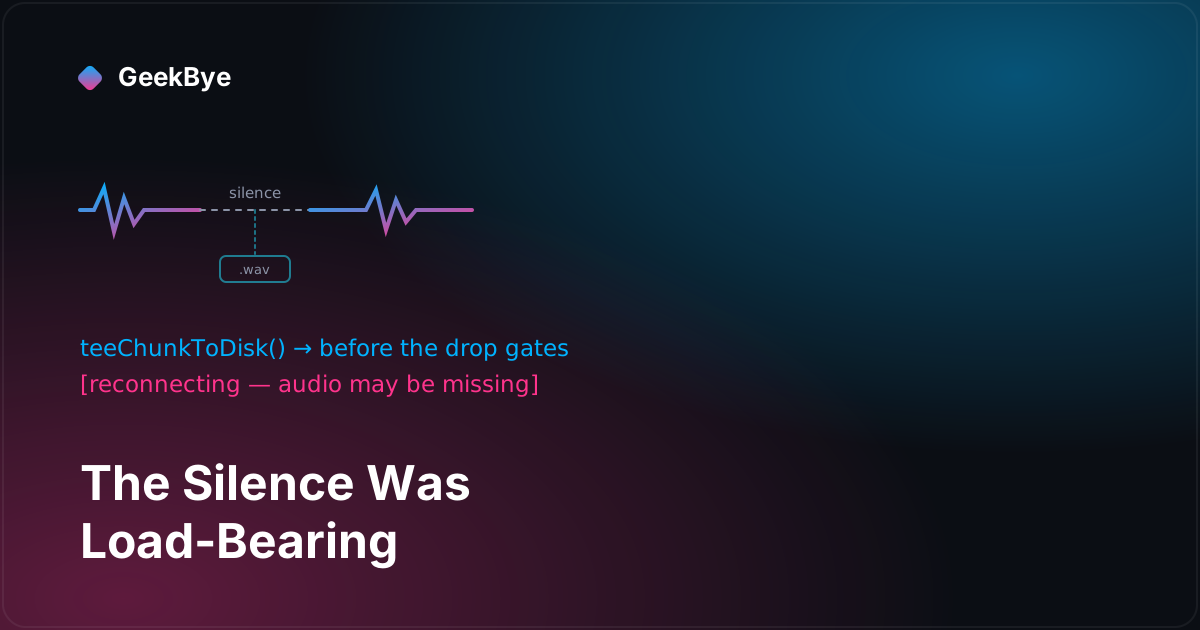
The last two releases of GeekBye v1 are about the same uncomfortable truth: realtime transcription over a real network is not lossless, and the honest move is to stop pretending it is. v1.8.20 kept a copy of every audio chunk on disk before dropping it during a reconnect, and started marking the gaps in the transcript out loud. v1.9.0 stopped sending silence to save bandwidth — and discovered the silence was the exact signal the transcriber used to know a sentence had ended. Two releases about the cost of throwing things away.

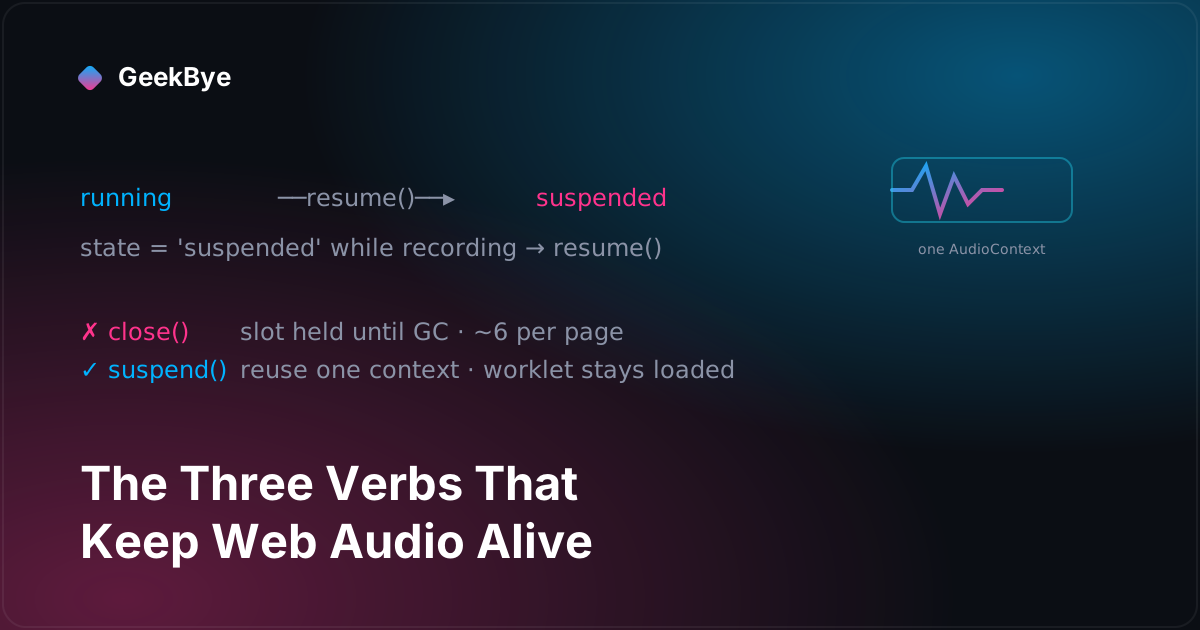
Two GeekBye point releases, two months apart and in two different files, taught our audio code the same lesson from opposite ends: stop treating the browser's AudioContext as disposable. One release learned to resume() a context macOS had silently suspended mid-recording; the other learned to suspend() instead of close() so back-to-back sessions stop slamming into Chromium's roughly-six-context ceiling. Resume, suspend, close — that's the whole plot.

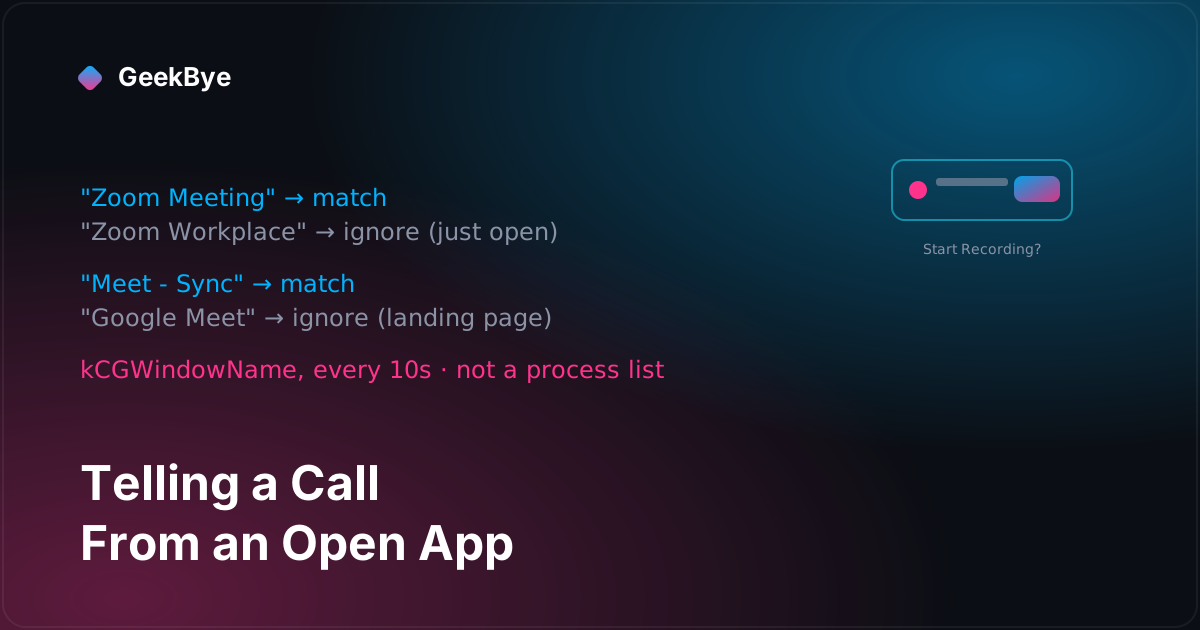
GeekBye can notice you've joined a video meeting and offer to record it. The detection turns out to be the easy half — a Swift binary reading window titles every ten seconds. The hard half is precision: not firing when Zoom is merely open, not prompting for a meeting you're already recording, and not muting the microphone in the call you're actually in. Three releases, and each one is a guard that had to learn to not defeat itself.

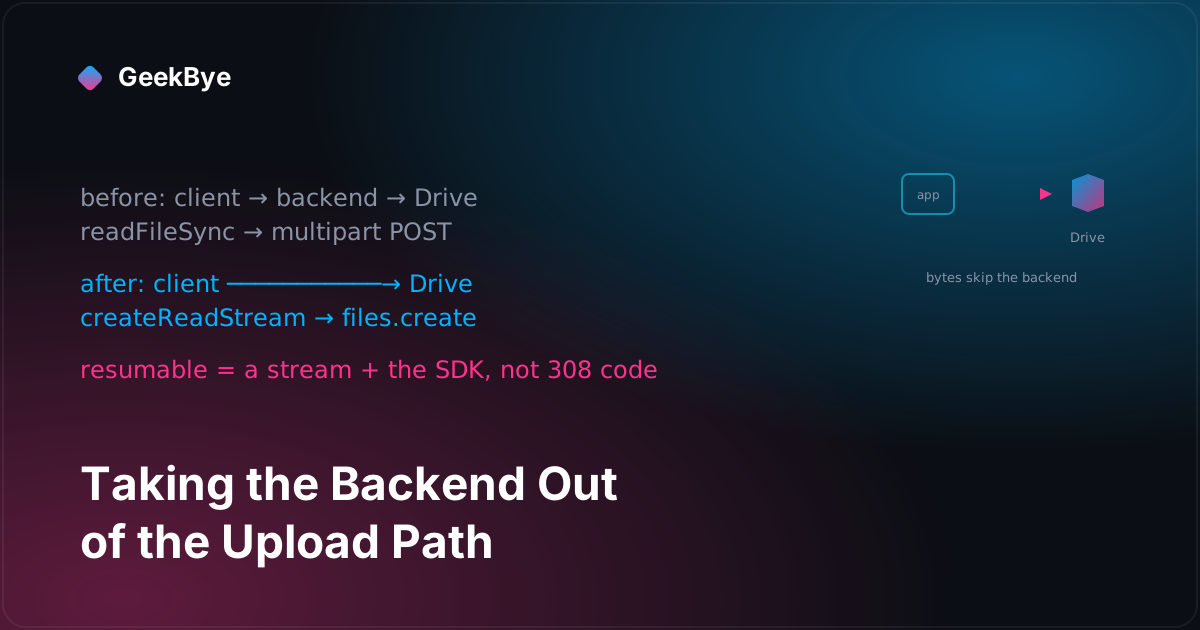
GeekBye records your screen and saves the video to your Google Drive. The first version shipped every recording through GeekBye's own servers on the way there; a release later, the file went straight from your machine to Drive, and the backend was demoted to holding a single pointer. The interesting part is how little code the 'direct, resumable' version actually contains — because the resumability came from deleting a proxy, not from writing one.

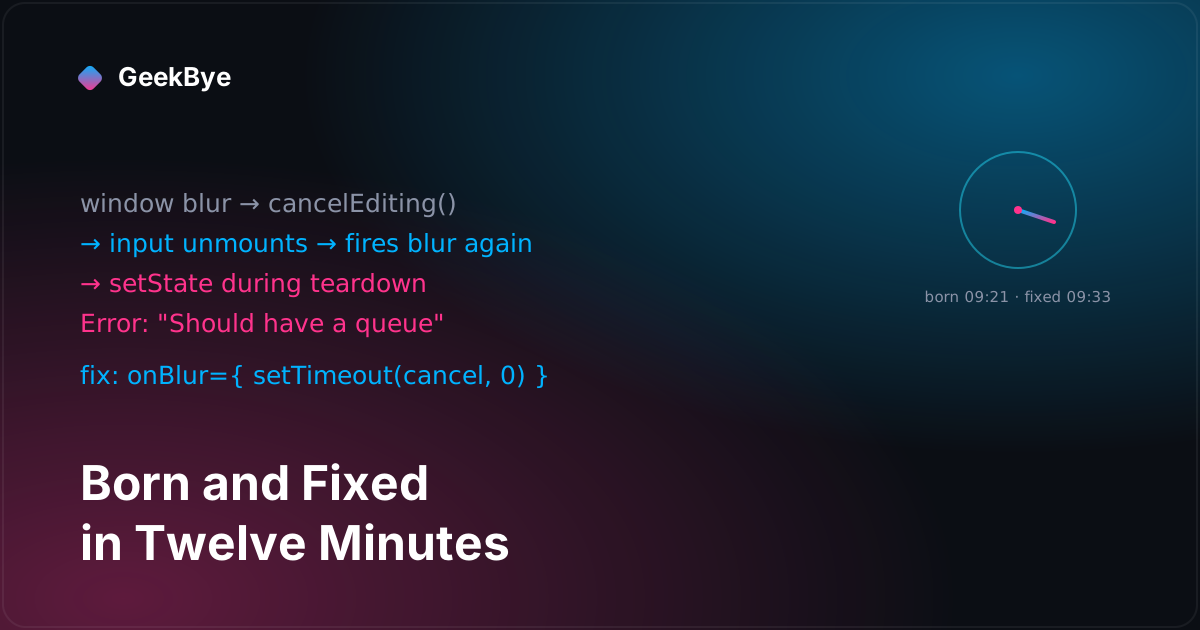
GeekBye v1.8.10's changelog says it fixed a crash while editing keyboard shortcuts. It did — but the crash was introduced and fixed in the same pull request, twelve minutes apart, and never reached a single user. The real story is the reliability cascade that produced it: a small, correct change to when shortcuts are suspended, and the React teardown bug that fell out of one line meant to make the editor safer.

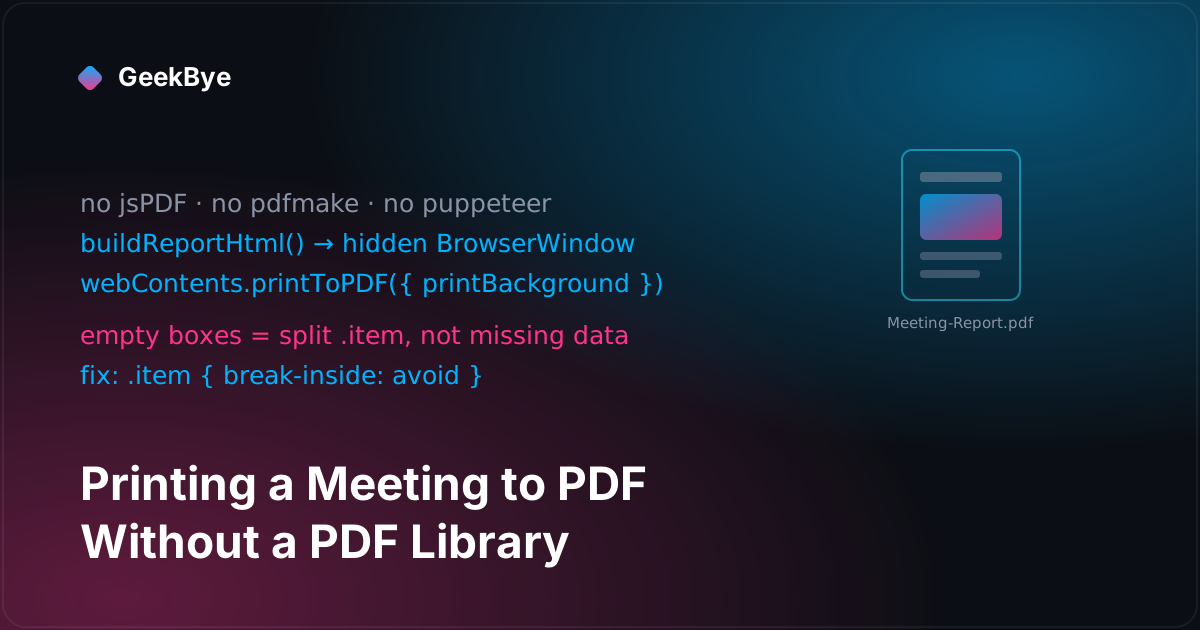
GeekBye exports a meeting as a PDF, and there is no PDF library anywhere in the code. It renders HTML in an invisible browser window and prints it. That choice is the whole story: it made the feature easy to build and gave it every failure a real browser has — a white flash, a URL length limit, and a page break that cut screenshots in half. The fix for the ugliest bug was one line of CSS.

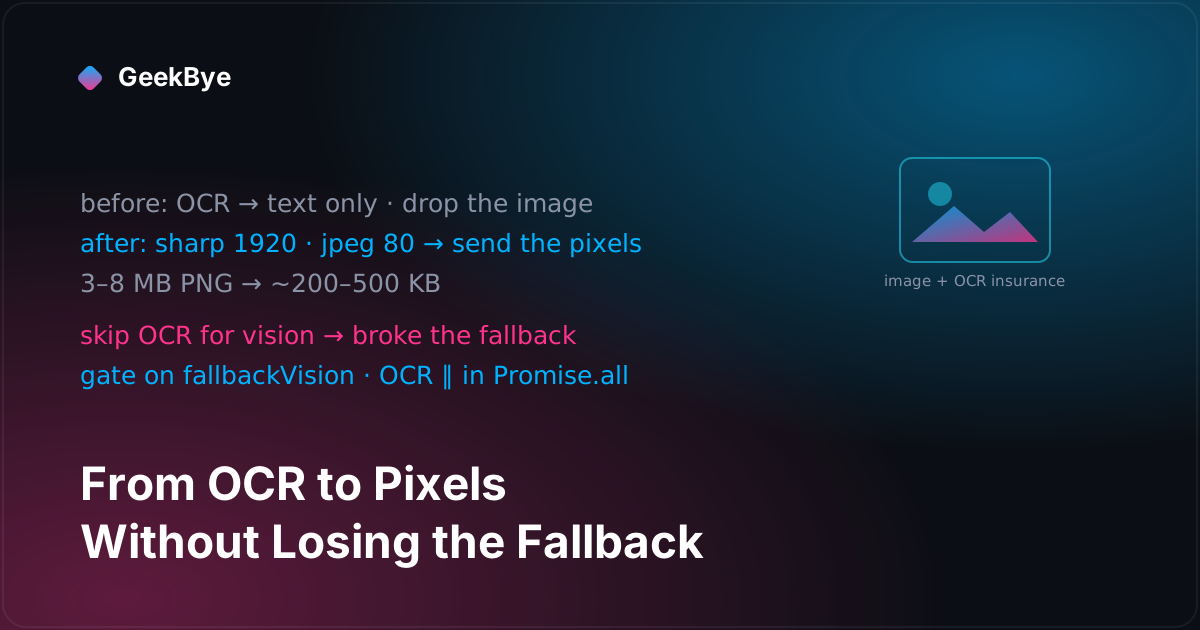
GeekBye stopped reading your screenshots with OCR and started sending the actual image to vision models — which is the easy part. The instructive part is the optimization that skipped OCR entirely for vision users, quietly broke the fallback to non-vision models, and had to be walked back to a version where the safety net runs in parallel and costs nothing.

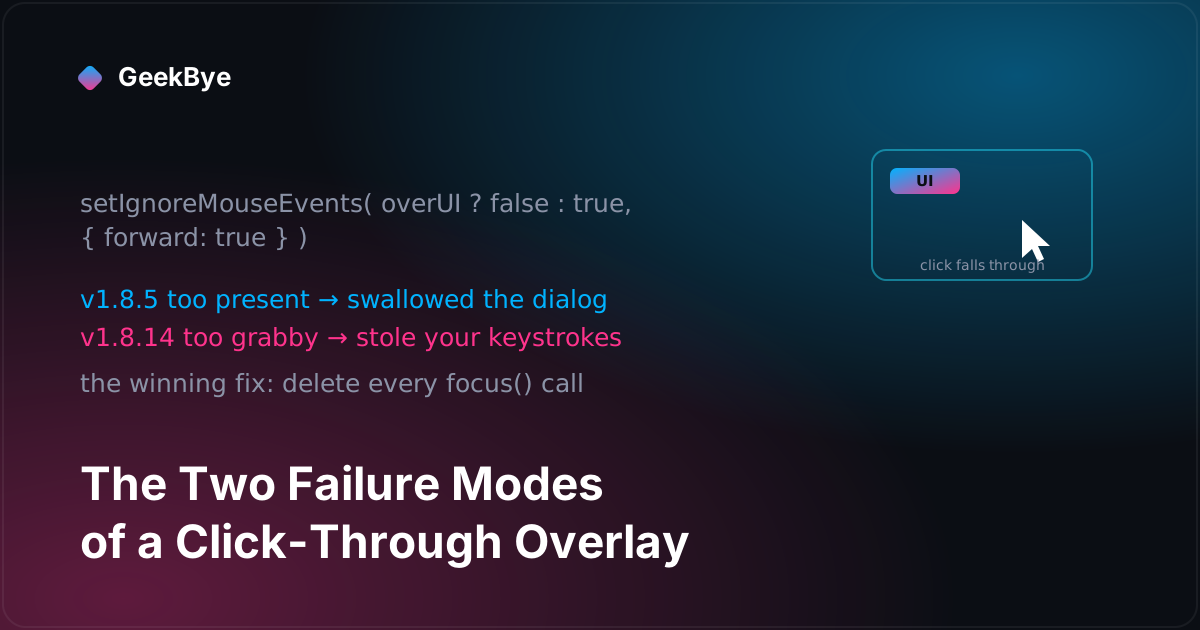
GeekBye's window floats on top of everything and lets your clicks pass through it — except where it has buttons. That is a two-sided contract, and v1.8.5 and v1.8.14 are what it looks like when each side breaks: one release where the overlay swallowed a system dialog, one where it stole your keystrokes. The winning fix for the second was deleting code.

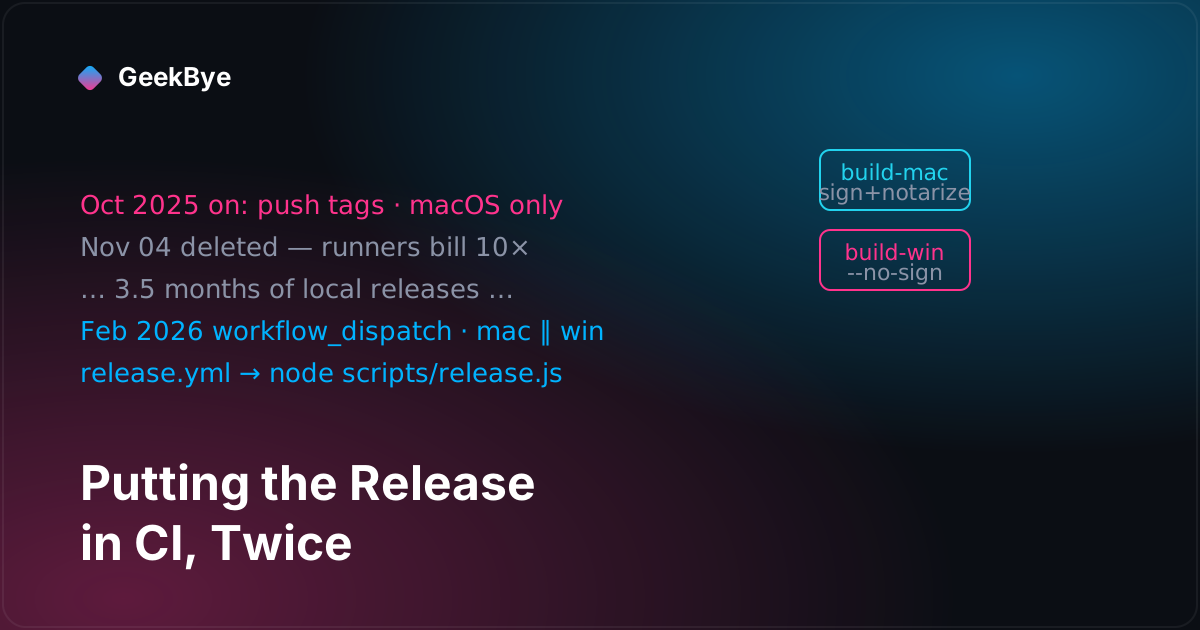
GeekBye v1.8.4 moved release builds to CI for macOS and Windows. What the changelog does not say is that we tried this once before, deleted it a month later over runner costs, and only made it stick the second time — because by then the release script already worked by hand.

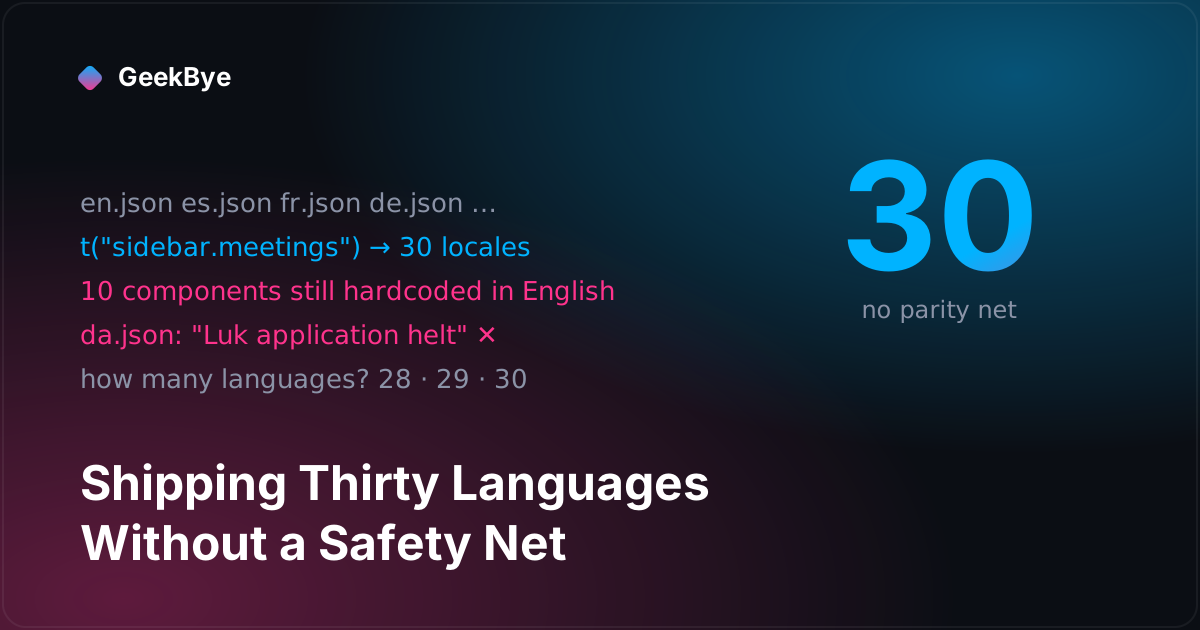
GeekBye v1.8.3 wired react-i18next and translated the whole app into 30 languages. The library part was routine. The interesting part is what was missing: no key-parity check and no string extractor — so hardcoded English leaked, a Danish typo shipped, and the changelog could not agree whether the app spoke 28, 29, or 30 languages.

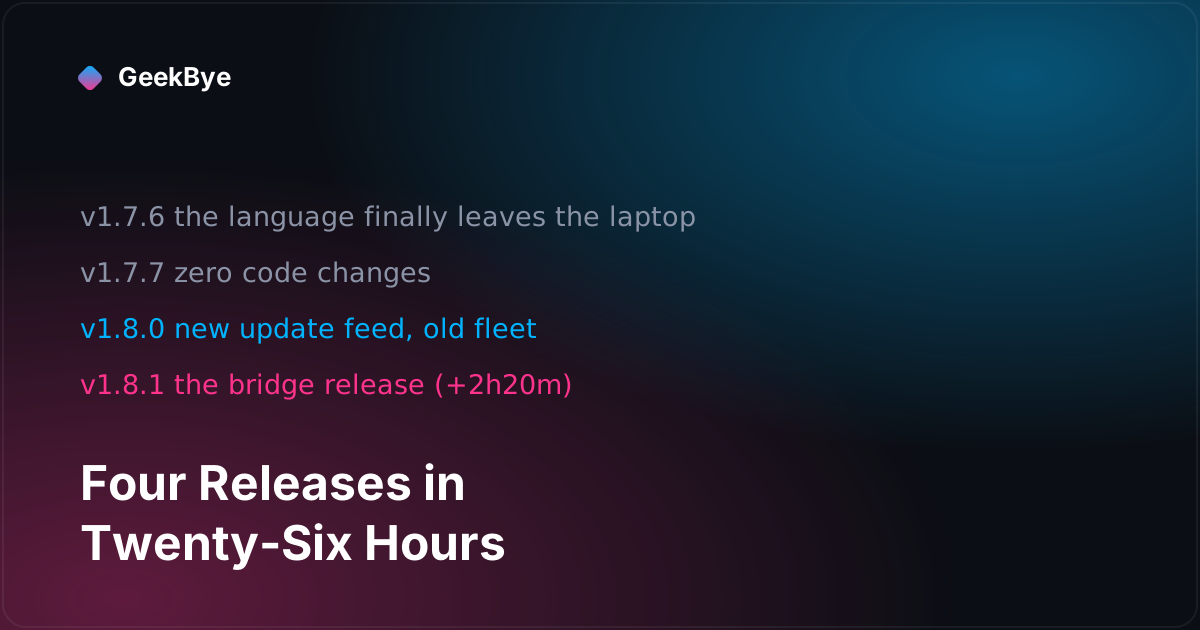
GeekBye v1.7.6 through v1.8.1: a language setting that had never left the laptop, a Cmd+/ overlay that shows your real keybindings, a version with zero code changes — and the chicken-and-egg of migrating your auto-update feed.

GeekBye v1.8.2 turned the dashboard from a recording remote control into a read-only analytics view — a stats strip and a 7-day wave chart. Both signature elements were second drafts, shipped within twenty minutes of their first drafts, in the same afternoon.

GeekBye v1.7.5 added a product screenshot to the login page and deleted it the same day — rebuilding it as real components instead. Plus: the user who was faster than the OCR, and what 25 style commits in one day actually look like.

GeekBye v1.7.3 replaced the meetings dropdown with a real timeline — human dates, search, a breadcrumb that says which meeting you are in. Underneath: an auto-select race, a screenshot that predates its own meeting, and five Windows fixes in twenty-eight minutes.

When our backend went offline mid-meeting, it didn't just pause transcription — it crashed the entire app. The cause was a single unhandled event, and the fix was ten lines. This is the release cluster that made GeekBye stay signed in and stay connected through the things that used to kill it.

Across the GeekBye v2 series, the same thing keeps happening: a fix passes every test on the developer's machine, and then code review proves it would have failed for almost everyone. This is the workflow behind nine releases — the review gate, the fix-first catches, and the test-before-ship discipline that turns "it works for me" into "it works."

GeekBye asked for microphone permission, you granted it, and it worked. Next launch: gone. And the app never showed up in System Settings → Microphone at all. The culprit was a macOS security feature quietly running the app from a path that disappears — here is the diagnosis and the one-prompt fix.

When your meeting ends, GeekBye's summary now fills in live instead of making you stare at a spinner. Getting streaming UI to feel calm instead of jittery took solving flicker twice — once for structured fields, once for markdown — and the second fix was a renderer we already owned.

GeekBye and Pavleur are two differently-branded desktop apps built from a single repository — no fork, no duplicated codebase. Here is the build-time machinery that makes one codebase compile into two products, and the one-line bug that made our second app introduce itself by the wrong name.

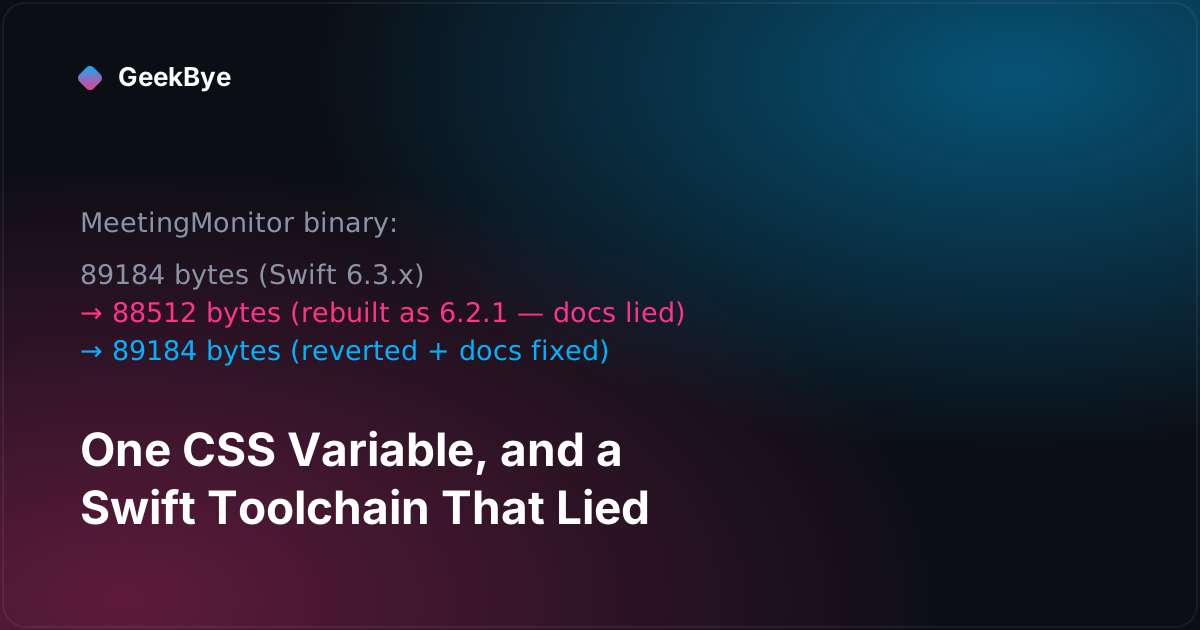
GeekBye v2.0.7 made the whole overlay adjustably translucent — which sounds like a one-line CSS change and absolutely was not. The real story is what code review caught: two surfaces that refused to fade, a recording bar that looked wrong at the same opacity, and a compiled binary that flip-flopped 672 bytes because our own docs told a reviewer the wrong Swift version.

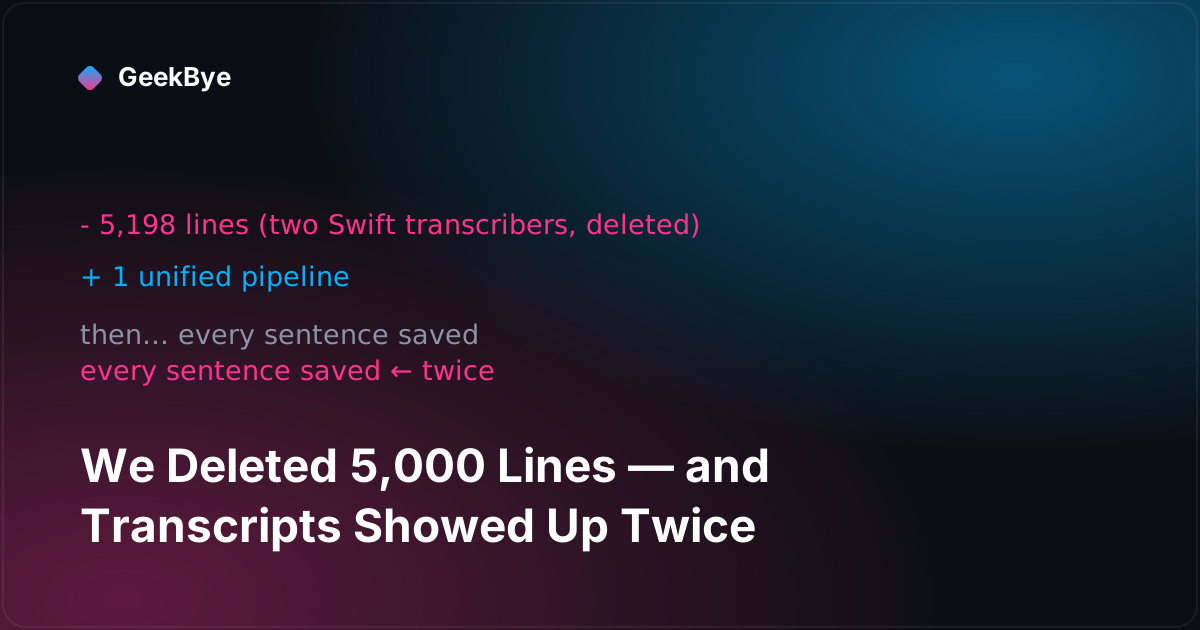
GeekBye v1.6 tore out two on-device Swift transcribers and replaced them with one unified pipeline — a net deletion of over 5,000 lines, done while people were mid-meeting on the app. Then transcripts began appearing twice, because the bug moved to the one layer that still thought there were two engines.

Auto-update was the hardest feature we ever shipped — six releases in four days to stop it bricking the app. The worst bug was one we introduced trying to be careful: a 500-millisecond "safety" check that turned a failed update into a process you literally could not quit.

GeekBye v1.7.0 was 127 commits in eleven days. From the outside that looks like a hundred little things. From the inside it was two big features braided together — and one of them got built in the wrong place, then torn out and rebuilt mid-release. Here is the anatomy of a large release.

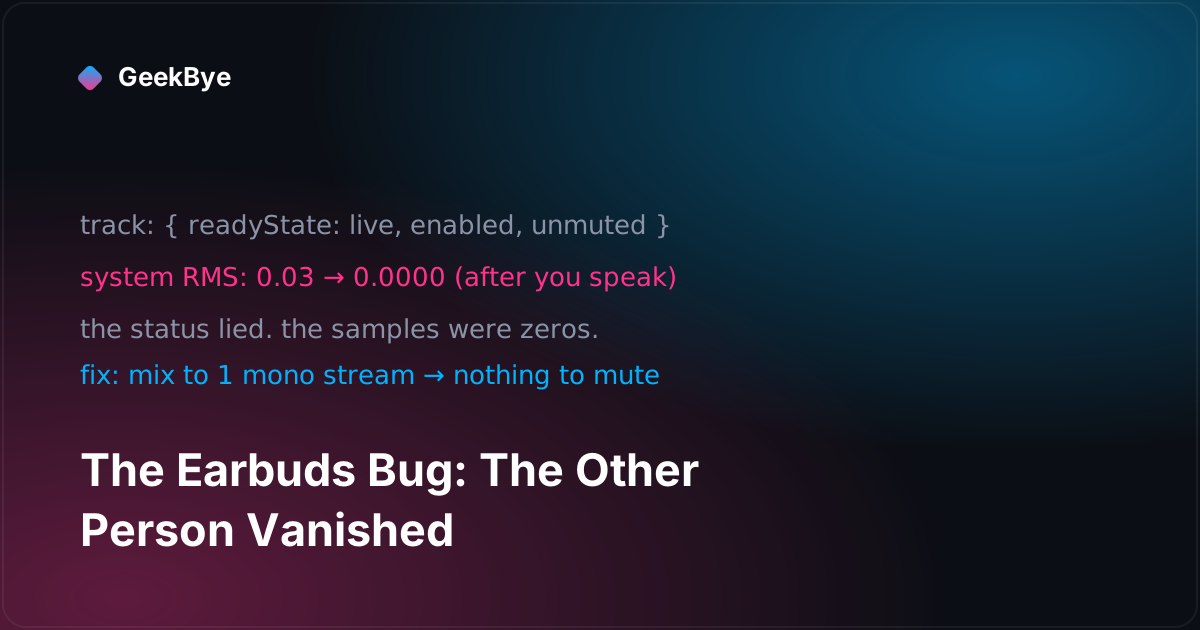
Dual-channel transcription worked perfectly on laptop speakers and over-ear headphones. Then someone plugged in earbuds, and the person they were talking to simply disappeared from the transcript — because Chromium silently muted our audio the instant they spoke. Eleven fixes failed. The twelfth changed the whole architecture.

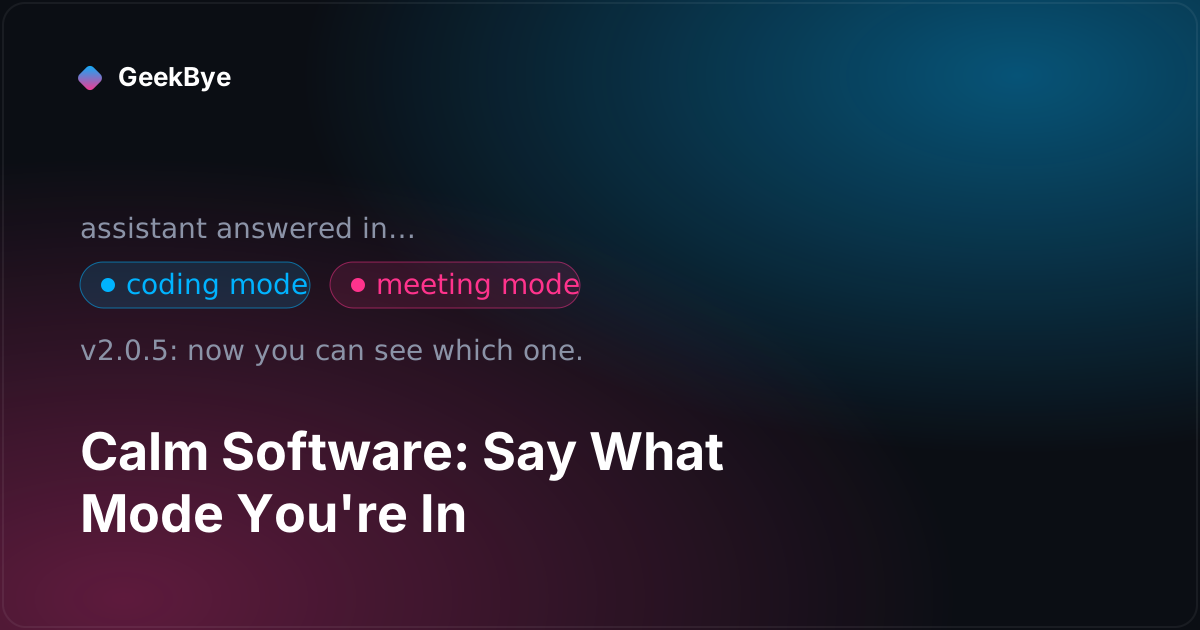
Two small GeekBye releases, no headline features — just a settings toggle that stopped flickering and a chat assistant that finally tells you whether it answered in meeting mode or coding mode. This is what "calm software" actually costs, one detail at a time.

Corporate networks love to allow HTTPS and quietly kill WebSocket upgrades. That silently breaks real-time transcription. GeekBye v2.0.8 falls back to a pure-HTTPS transport automatically — and shipping it uncovered a bug that would have made the whole feature useless.

On a two-monitor setup, GeekBye recorded and screenshotted the primary display no matter which screen you were working on. The fix was one small function — but the first version of it was wrong, and code review caught why.

A backlog of pending uploads, released all at once on startup, turned every GeekBye client into a small denial-of-service attack on our own servers. The fix — and the connection-liveness ladder it forced us to build — is one of the most useful things v2 taught us.

GeekBye v2 was not a feature release. It was 206 commits aimed at a single idea: the app should never lie about its own state. Here is what that costs — including the one-line lockfile mistake that nearly stopped us from shipping any of it.

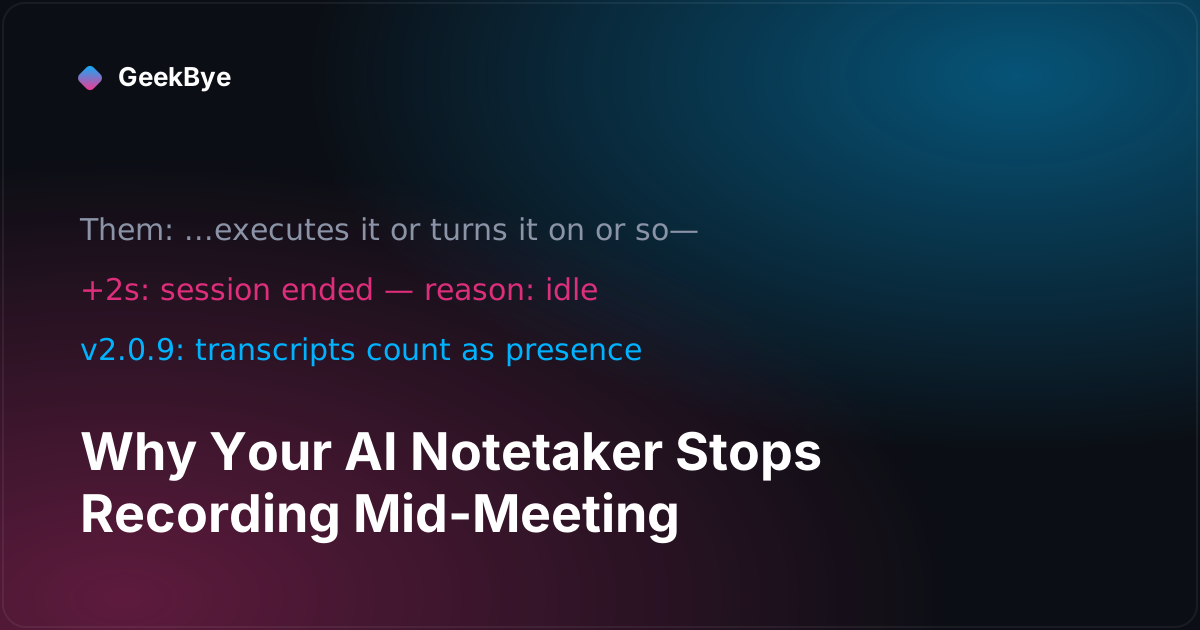
Our own app ended two of our meetings while the other side was mid-sentence. The forensic trail led to a well-intentioned idle timer that could not hear anyone but you — and a second bug that could lock your whole desktop. Both fixed in GeekBye v2.0.9.

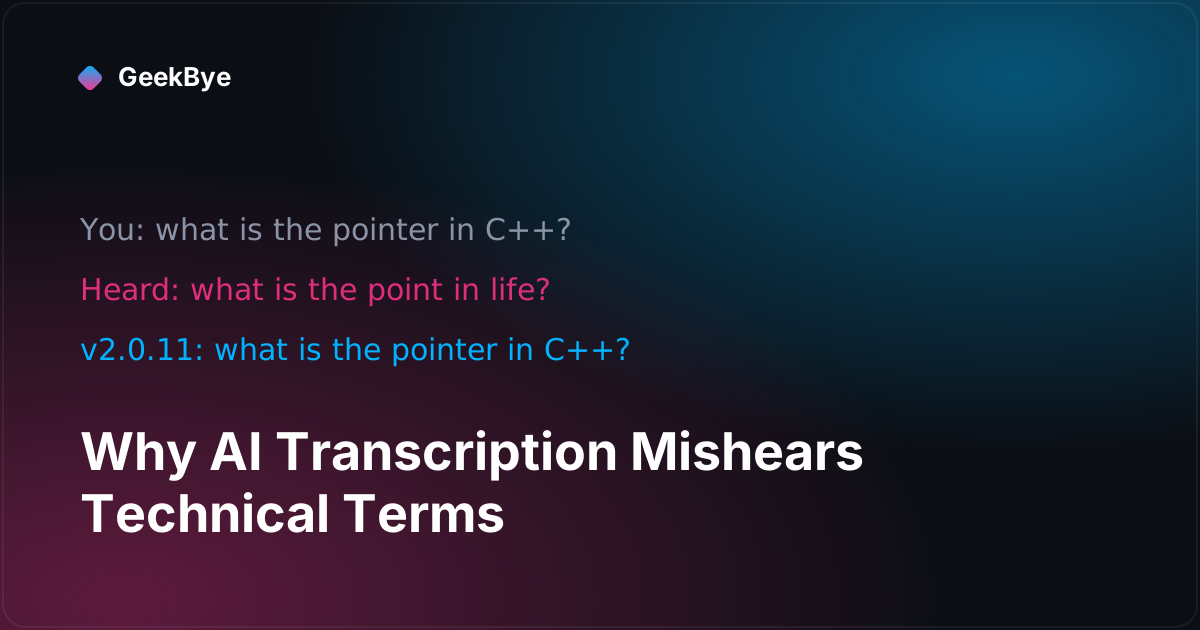
A live session heard "what is the pointer in C++" as "what is the point in life". Here is the forensic trail from that transcript to GeekBye v2.0.11 — keyterm biasing, a connection-dropping race, and the day our own fix backfired.


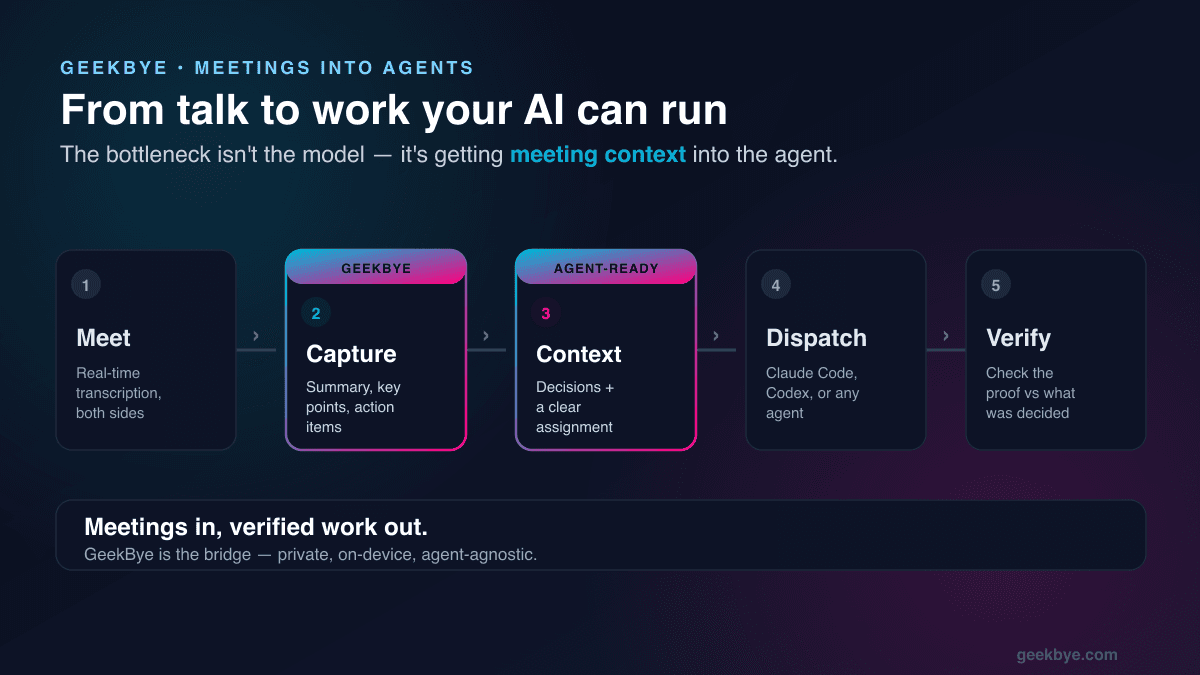
The bottleneck isn't the model — it's getting real context into your agents. Here's the practical way to get better at agentic tooling, and how to feed what was decided in a meeting straight into Claude Code, Codex, or any agent.

Rehearse answers, run mock interviews, and review your own performance afterward. Keep prep in reusable profiles. Private, on your Mac, no telemetry.

Most AI meeting assistants look great in a demo and fall apart in real use. Here are the 6 criteria that matter - and how to test them yourself.


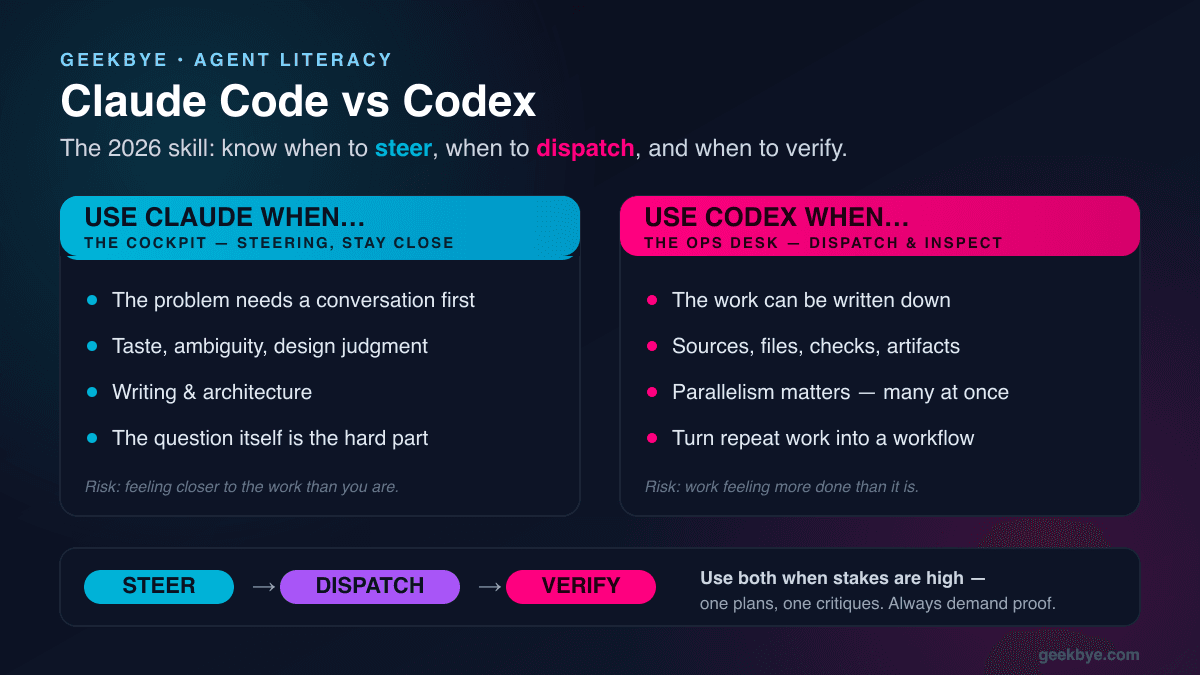
Everyone asks which one is better. That's the wrong question. Here's what each tool makes you better at — and the 2026 skill that actually matters: steering, dispatching, and verifying agents.

Most AI assistants store your meetings in their cloud. GeekBye keeps your transcripts, notes, and recordings in a local library — with no telemetry.

AI notetakers love to die on flaky Wi‑Fi and lose your transcript. Here's why it happens, and how GeekBye stays connected and recovers itself.

Transcribe lectures live on your Mac, then get searchable notes, summaries, and key points. Stays connected on campus Wi‑Fi. Stays on your device.

GeekBye v2 stays connected through bad Wi-Fi, keeps your library on your device, and drops the surprise limits.

Deliver a private, reliable AI meeting assistant under your own brand. Local-first by default, no telemetry, resilient on real-world networks.

Screenshot lecture slides, get tough concepts explained, solve homework step-by-step, and personalize GeekBye to your courses. The student playbook for learning faster and stressing less.

Thirty minutes of high-stakes performance, broken down into the moves GeekBye makes for you the night before, two minutes before, during the coding question, during the behavioral round, and right after.

Three shortcuts cover ninety percent of what you do in GeekBye. Memorize those, learn the Mac Fn-key gotcha, swap presets when an IDE steals a combo, and you never need a mouse again.


See GeekBye disappear during real screenshare on Google Meet, Microsoft Teams, Zoom, Slack, and Webex. Five short demos. Side-by-side candidate vs interviewer view.

We re-verified all 8 Cluely alternatives in August 2026: one tool died, one raised its list price 16x, and the $10/mo budget pick no longer exists.


GeekBye scores your interview on six dimensions — Confidence, Clarity, Specificity, Engagement, Composure, and Relevance. Learn what each metric means and how to use them to improve.


Stop clicking through menus to find your meeting analysis. One keyboard shortcut — Cmd+Shift+. — opens the Report tab with your full meeting summary, performance metrics, and AI feedback.

Press Cmd+Enter and get AI assistance for anything on your screen. No copy-pasting, no explaining - GeekBye sees what you see and helps immediately.

GeekBye automatically analyzes your interviews and meetings, giving you detailed notes plus brutally honest feedback on how you performed.

Stop scrambling to take notes during interviews. GeekBye transcribes everything in real-time - your voice and theirs - so you can focus on what matters.

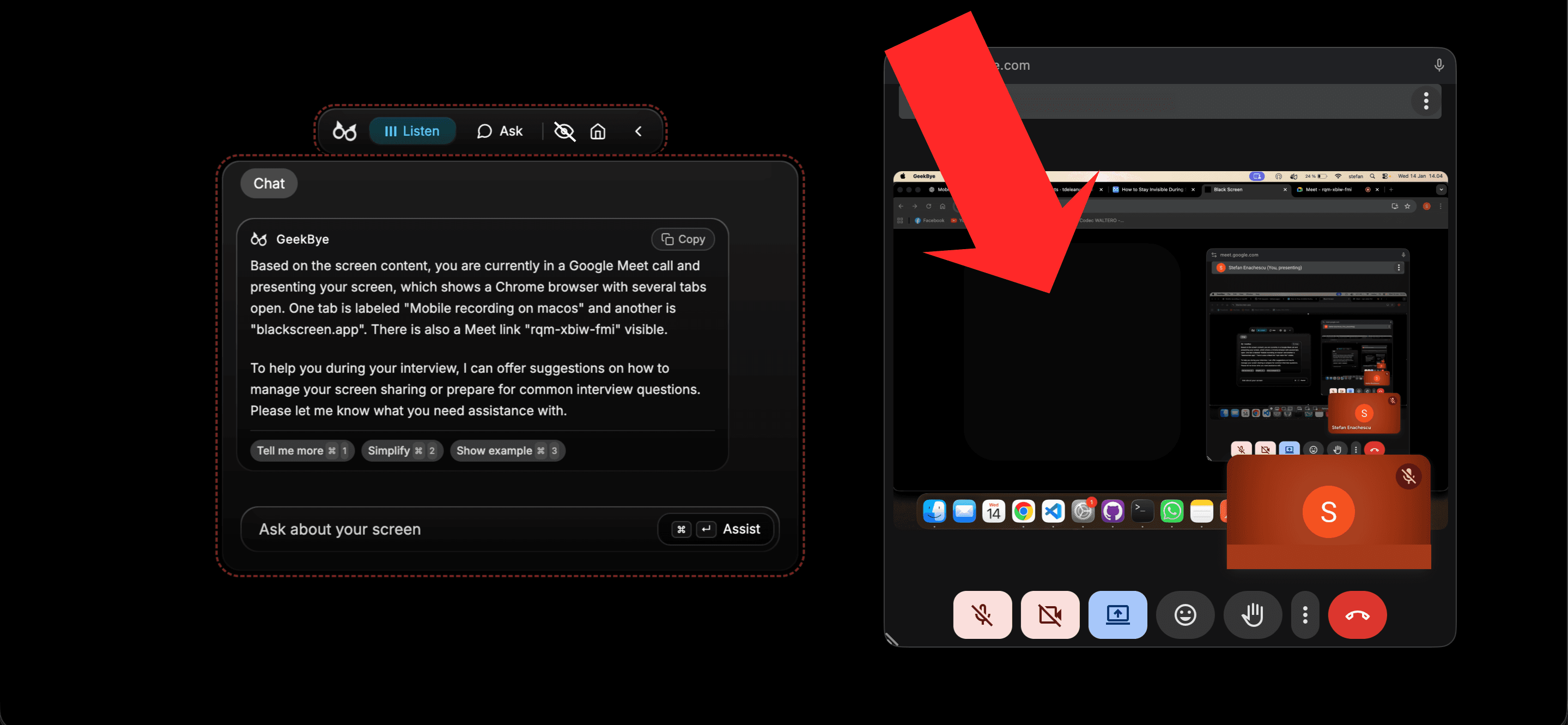
Your AI assistant does not have to show up when you share your screen. Here is how GeekBye stays completely hidden during Zoom, Google Meet, and any video call.

Learn how to configure transcription and output languages in GeekBye. Supports 33 languages including English, Spanish, Chinese, Japanese, German, French, and more for global interview success.

Discover why talented developers fail technical interviews and the AI powered system that helped hundreds land jobs at top tech companies in weeks, not months.

Hundreds of applications. Zero offers. Stop blaming the market. The real problem is how you perform when it matters most.