Live Transcription When the Firewall Blocks WebSockets
Corporate networks love to allow HTTPS and quietly kill WebSocket upgrades. That silently breaks real-time transcription. GeekBye v2.0.8 falls back to a pure-HTTPS transport automatically — and shipping it uncovered a bug that would have made the whole feature useless.
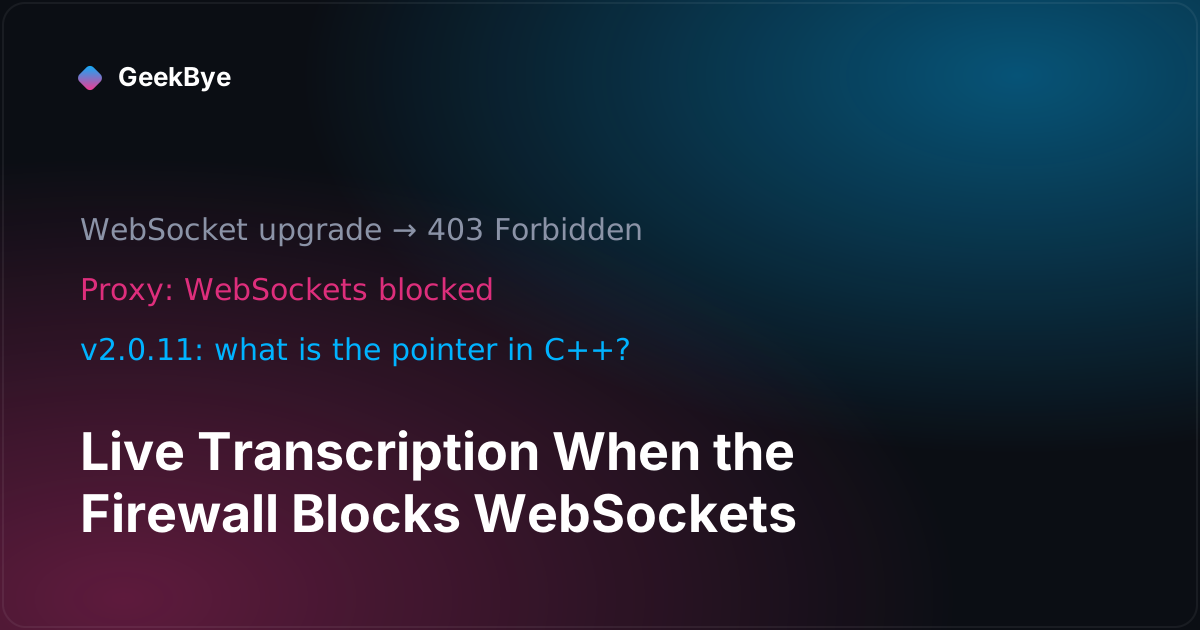
There is a specific, maddening way for real-time transcription to fail on a corporate network. Your Wi-Fi is fine. HTTPS works — you can load any website. But live transcription just... doesn't start, and nothing tells you why.
The culprit is a class of corporate proxy that allows ordinary HTTPS traffic but blocks the WebSocket upgrade — the handshake that turns an HTTPS connection into the persistent, two-way channel real-time transcription needs. To the proxy, a WebSocket looks like an unmonitored tunnel out of the network, so it kills it. To you, transcription is silently broken.
GeekBye v2.0.8 added an automatic fallback for exactly this — and building it turned up a bug that would have made the entire feature do nothing.
Why a fallback, not just a retry
We already handle flaky networks. If your connection drops mid-session, GeekBye reconnects with backoff and buffers your audio so nothing is lost — that's a separate feature covered in why your AI notetaker stops on bad Wi-Fi.
But a blocked WebSocket is not a flaky connection. Retrying the same WebSocket against a proxy that refuses WebSockets fails the same way every time, forever. The only fix is a different transport — one that looks like the plain HTTPS the proxy already permits.
So v2.0.8 falls back to a pure-HTTPS transport over the same authenticated endpoint:
- Downstream (transcripts coming back to you): server-sent events — a long-lived HTTPS response the proxy sees as an ordinary streamed download.
- Upstream (your audio going out): batched POST requests, each carrying a chunk of audio with a sequence number so the server can reassemble them in order even if the network reorders them.
No persistent socket, nothing that looks like a tunnel — just HTTPS requests and responses. If a proxy allows you to use a website, it allows this.
The bug that would have shipped a dead feature
Here's the part worth the read. The fallback is supposed to trigger when the WebSocket connection exhausts its attempts with a blocked-transport signature — every attempt failing on the upgrade, no auth or quota problem, at least one proxy-shaped rejection. A proxy blocking a WebSocket typically answers the upgrade with an HTTP 403 Forbidden or 407.
The problem: our connection code already had a rule that a 403 means fatal authentication error — stop, surface it to the user, do not retry. Which is correct almost everywhere. But it meant the 403 from a blocking proxy — the exact signal that should have triggered the fallback — was instead being thrown as a fatal error before the fallback logic could ever run. Only a raw connection-drop (a 1006 close) fell through to the fallback. So the feature would have worked for the rare case and silently failed for its actual primary target: the corporate proxy.
We caught this while hardening the release, not in production. The fix: a 403/407 on the WebSocket upgrade leg is now treated as recoverable so the connection loop can exhaust into the fallback — while a genuine authentication failure (which arrives differently, after the upgrade succeeds) still fails fast, exactly as before. A regression test now pins the distinction: a blocked-proxy 403 must fall back; a real auth 403 must not.
The rest of the hardening followed the same paranoid line: a timeout on every upstream POST so a proxy that accepts a request but never answers can't stall the audio stream, and a guarantee that a genuine sign-in problem can never be silently masked by the fallback machinery.
We tested it against a real hostile proxy
A feature whose entire purpose is surviving hostile networks cannot be validated by unit tests alone — unit tests don't have proxies. Before enabling it, we ran the actual app through a local reverse proxy configured to do exactly what corporate proxies do: forward HTTPS, reject WebSocket upgrades with a 403.
The trail in the logs is the receipt: four blocked WebSocket attempts, the exhaustion signature recognized, the automatic switch to the HTTPS transport, and then a healthy 96-second transcription session over pure HTTPS — 66 transcript segments, zero drops. The failover works because we watched it fail over.
Three transferable lessons
- "It works on flaky Wi-Fi" and "it works behind a hostile proxy" are different guarantees. One needs reconnection; the other needs a different transport. Conflating them leaves a whole population of corporate users silently broken.
- Your error classification can hide your own feature from itself. A rule that's correct 99% of the time (403 = fatal auth) was exactly wrong for the 1% this feature existed to serve. When you add a fallback, audit whether the trigger condition can even reach the fallback.
- Test the adversary, not just the happy path. The only honest test of "survives a WebSocket-blocking proxy" is a WebSocket-blocking proxy. We built one.
GeekBye v2.0.8 shipped the HTTPS fallback flag-gated and validated. For the reliability work it sits alongside, see why your AI notetaker stops on bad Wi-Fi and the day our app DDoSed itself (v2.0.1), and for the neighboring releases in this series, why your AI notetaker stops recording mid-meeting (v2.0.9) and why AI transcription mishears technical terms (v2.0.11). For where GeekBye first used server-sent events — streaming the meeting report — how to stream a live report without the flicker (v1.6.13).