Why Your AI Notetaker Stops Recording Mid-Meeting
Our own app ended two of our meetings while the other side was mid-sentence. The forensic trail led to a well-intentioned idle timer that could not hear anyone but you — and a second bug that could lock your whole desktop. Both fixed in GeekBye v2.0.9.
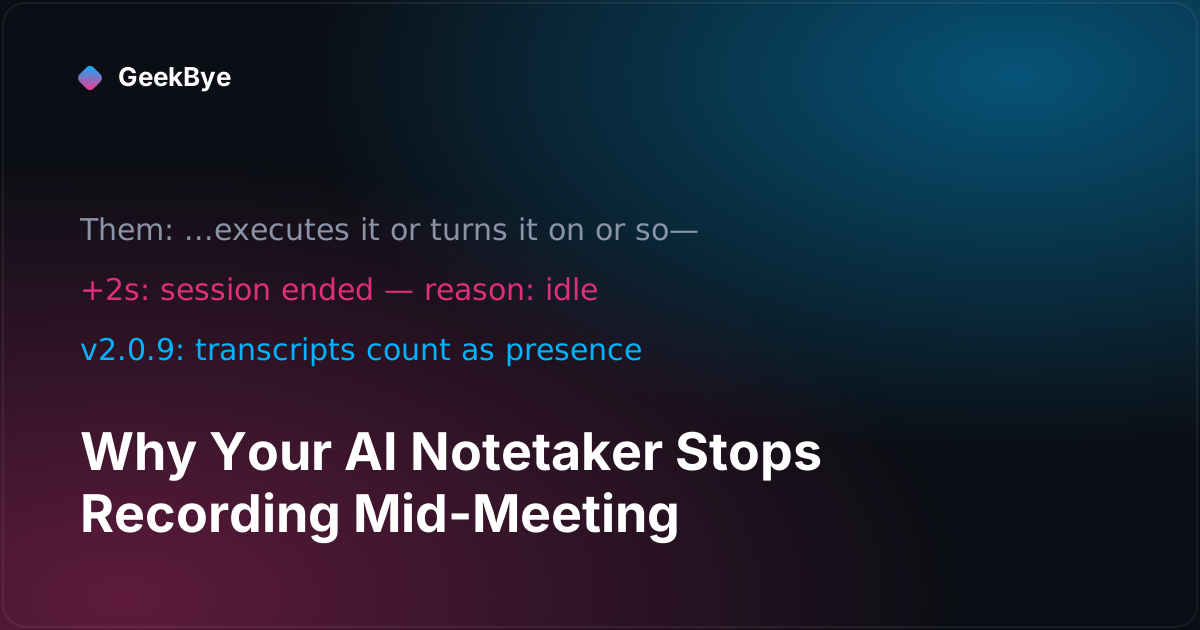
On July 2nd, GeekBye ended a meeting recording on its own. The database row says everything: ended_reason = 'idle', duration 519 seconds, 99 transcript entries — the last one written two seconds before the app decided nobody was there.
The other participant was mid-explanation. The transcript's final line is literally a sentence fragment: "...executes it or turns it on or so—".
It wasn't the first time. The evening before, another session ended the same way. Two meetings, killed by our own reliability feature. Here's the diagnosis and the fix that shipped in GeekBye v2.0.9 — plus a second, scarier bug we fixed in the same release.
A well-intentioned timer that could only hear you
The idle auto-close exists for a good reason. People forget recordings running overnight; a left-open meeting tab keeps dribbling audio forever. So GeekBye watches for inactivity: after 60 seconds without voiced activity it shows a small "Still recording?" prompt, and 30 seconds later, unanswered, it ends the session — saving everything, politely.
The flaw was in one word: voiced. The activity clock counted sustained microphone energy only. That was a deliberate design decision, and not a dumb one — counting raw system-audio energy would let a muted-but-noisy tab keep a dead session alive indefinitely, which is exactly the failure the feature exists to prevent. Meetings where you mostly listen were supposed to be covered by meeting-window detection.
Except meeting detection can't see every meeting. Browser tabs, unusual clients, a presentation you're watching — undetected. And in an undetected meeting where you listen for 90 seconds — a completely normal thing to do while someone explains their Databricks pipeline — you are, to the idle clock, indistinguishable from an empty room.
Check the timeline of the killed session: the last transcript from our microphone came 68 seconds before the end. Then 60 seconds of the other person talking (transcribed perfectly, ignored by the clock), the unnoticed prompt, the 30-second countdown, and the kill — 2 seconds after their last words.
The fix: a transcript is proof of life
The correction is almost embarrassing in hindsight: an incoming transcript is the strongest possible evidence that the session is not idle. It doesn't matter who spoke. The speech model just recognized words — that is the meeting.
So v2.0.9 stamps the activity clock on every transcript that arrives, from either side. Raw system-audio energy still doesn't count — music, hold tones, and HVAC hum still can't immortalize a dead session, and the hard recording cap still backstops everything. Only recognized speech keeps a session alive, which is precisely the right boundary.
One detail from code review worth passing on: the first version of the fix stamped the clock inside the speaker-attribution path — which a subset of transcripts can legitimately skip. Review caught that a future change could silently reintroduce the bug for exactly the transcripts that matter (the other speaker's). The stamp is now unconditional, ahead of any branching, with a test that fails if anyone moves it.
The same release fixed something scarier
While testing these fixes, we hit a different bug the hard way: a crash in the interface process left the entire desktop unclickable.
GeekBye's overlay is a transparent, always-on-top window covering your screen. It's click-through by default; the interface toggles it interactive when you're using a panel. (That toggle is a two-sided contract with a long bug history of its own — the two failure modes of a click-through overlay, from the v1.8.x days.) Those toggles come from the interface process — so when that process crashed while a panel was open, the invisible window stayed in interactive mode with no living UI behind it. Every click on your desktop landed on a dead, invisible pane. The only escape was force-quitting the app.
v2.0.9's crash handler now restores click-through immediately and reloads the interface — with a cap of three reloads per minute so a crash-loop can't spin forever (past the cap, the app gives up on reloading but your desktop stays usable, which is the part that matters). Code review sharpened this one too: the recovery is scoped to the overlay window specifically, because blanket-applying click-through to a crashed normal window — say, the update dialog — would have created the opposite lockout.
You can verify this fix yourself, brutally: open a GeekBye panel, force-kill the "GeekBye Helper (Renderer)" process in Activity Monitor, and watch the app recover your desktop within a second.
What this pair of bugs taught us
- Every proxy for "is the user here?" fails somewhere. Mic energy fails for listeners. Window detection fails for browsers. Recognized transcripts fail for... nothing we've found yet, because they're not a proxy — they're the product itself.
- Anything renderer-driven needs a crash story. If a dead UI process can leave OS-level state behind (mouse capture, always-on-top, content protection), the main process must own the reset.
- Being your own heaviest user is a bug-finding strategy. Both bugs hit us in real meetings before more than a handful of customers noticed. The
ended_reasoncolumn we'd added for observability months earlier is what made the diagnosis a database query instead of a guess.
Both fixes went from diagnosis to a shipped, notarized release inside a day, each carried by a reviewed PR with regression tests. If you're on GeekBye v2, you've had them since v2.0.9 via auto-update.
For the rest of this release's story, see the series neighbors why screen recording captures the wrong monitor (v2.0.10) and why AI transcription mishears technical terms (v2.0.11), the WebSocket-fallback release in live transcription when the firewall blocks WebSockets (v2.0.8), and the reliability groundwork in why your AI notetaker stops on bad Wi-Fi, and how the overlay stays invisible during screen sharing without stealing your clicks.