
Settings and shortcuts
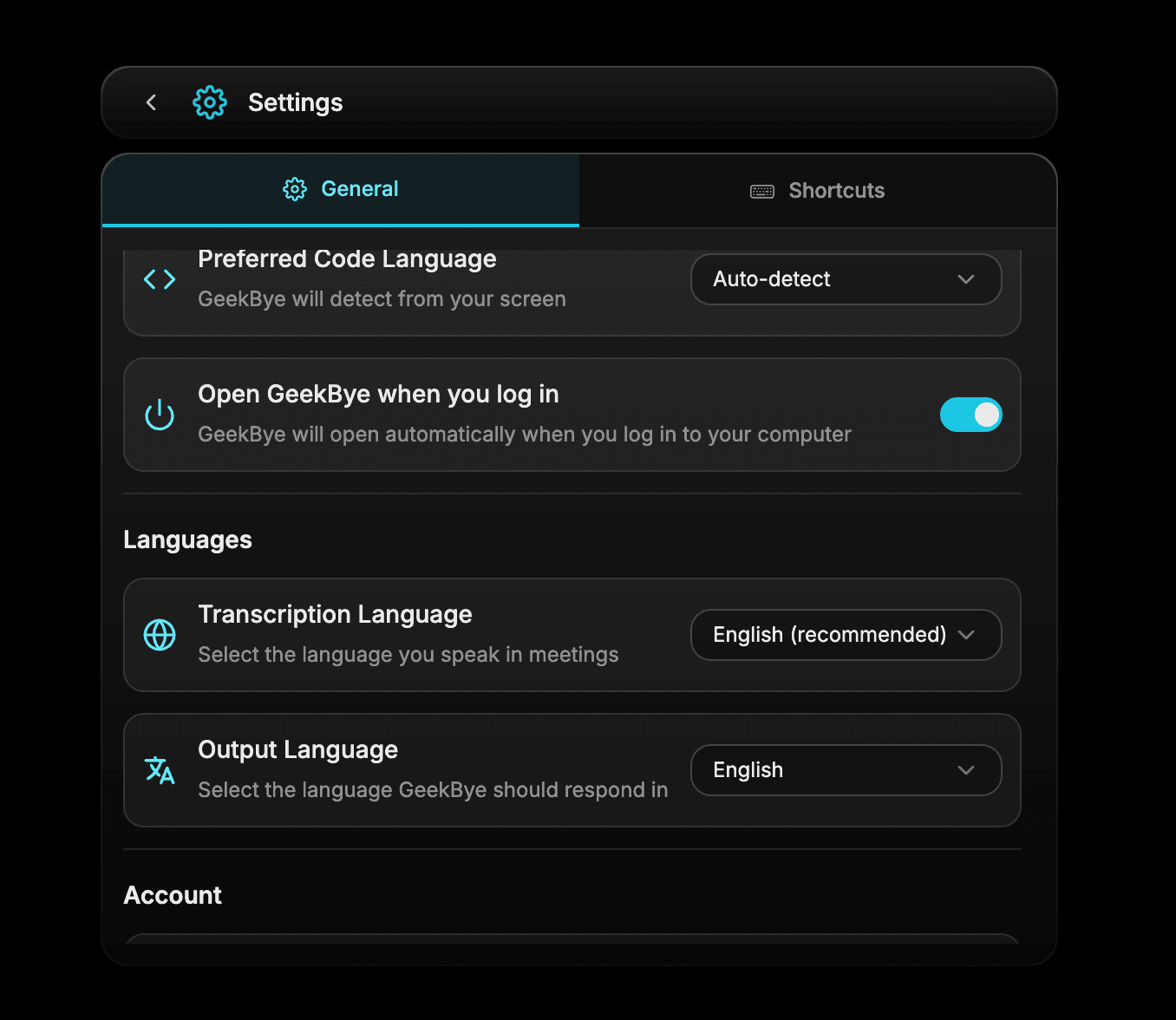
Adjust language, appearance, launch and update behavior, recovery-audio preferences, and keyboard shortcuts.
Screenshots and demos may show an earlier version. Follow the written steps and your current app settings.
Settings is where you tailor GeekBye to your devices, language, appearance, and working habits.
Update your preferences
- Choose the language you want GeekBye to use.
- Set the appearance you prefer.
- Review launch and update controls.
- Review the recovery-audio preference and choose the setting appropriate for you.
Use shortcut presets
- Open Ask if needed and submit Assist with fresh screen context. Opening a closed Ask panel also starts or stops the recording session; when Ask is already open, Assist submits without stopping an active session.
- ⌘/Ctrl+Enter
- Hide or show GeekBye
- ⌘/Ctrl+B
- Queue screen context for a later message
- ⌘/Ctrl+Y
- Start or stop the recording session
- ⌘/Ctrl+Shift+\
- Open or close Dashboard
- ⌘/Ctrl+D
- Show or hide the shortcut overlay
- ⌘/Ctrl+/