
Use Listen
Start a live session, confirm audio sources, follow the transcript and Live Insights, then stop and save.
Screenshots and demos may show an earlier version. Follow the written steps and your current app settings.
Listen captures the audio sources you select for a live session and presents a transcript with Live Insights.
Start a live session
Check that the intended microphone is selected.
On Windows, choose system-audio sharing if you need it for this session.
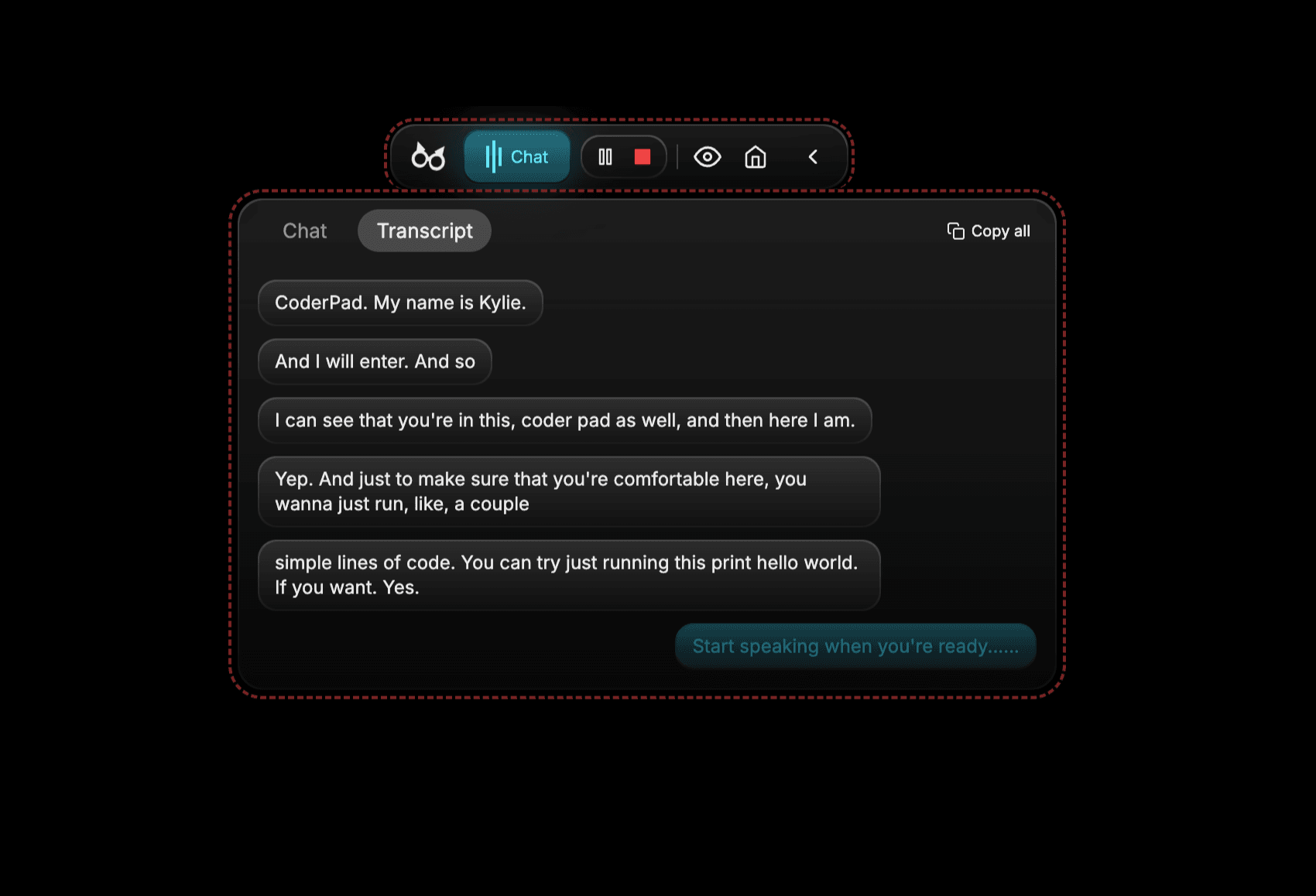
Start Listen and confirm the session is receiving audio.
Follow the session
- Read the live transcript as audio is processed.
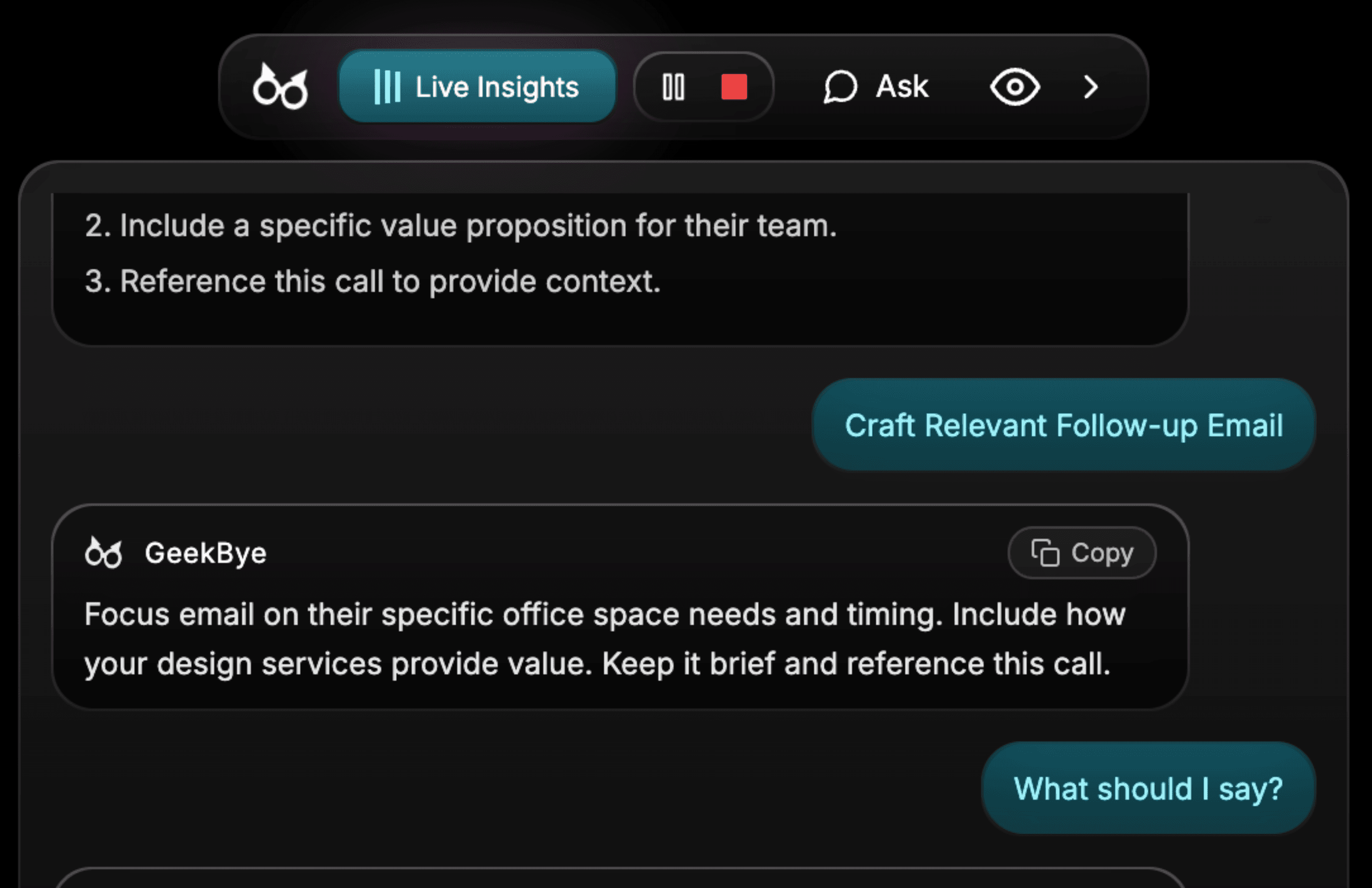
- Use Live Insights as context, not as a substitute for checking the conversation.
- If audio changes, verify the connected device and selected input.
Stop and save
Stop Listen when the conversation ends. The saved session is then available for review in Meetings.