Review a meeting
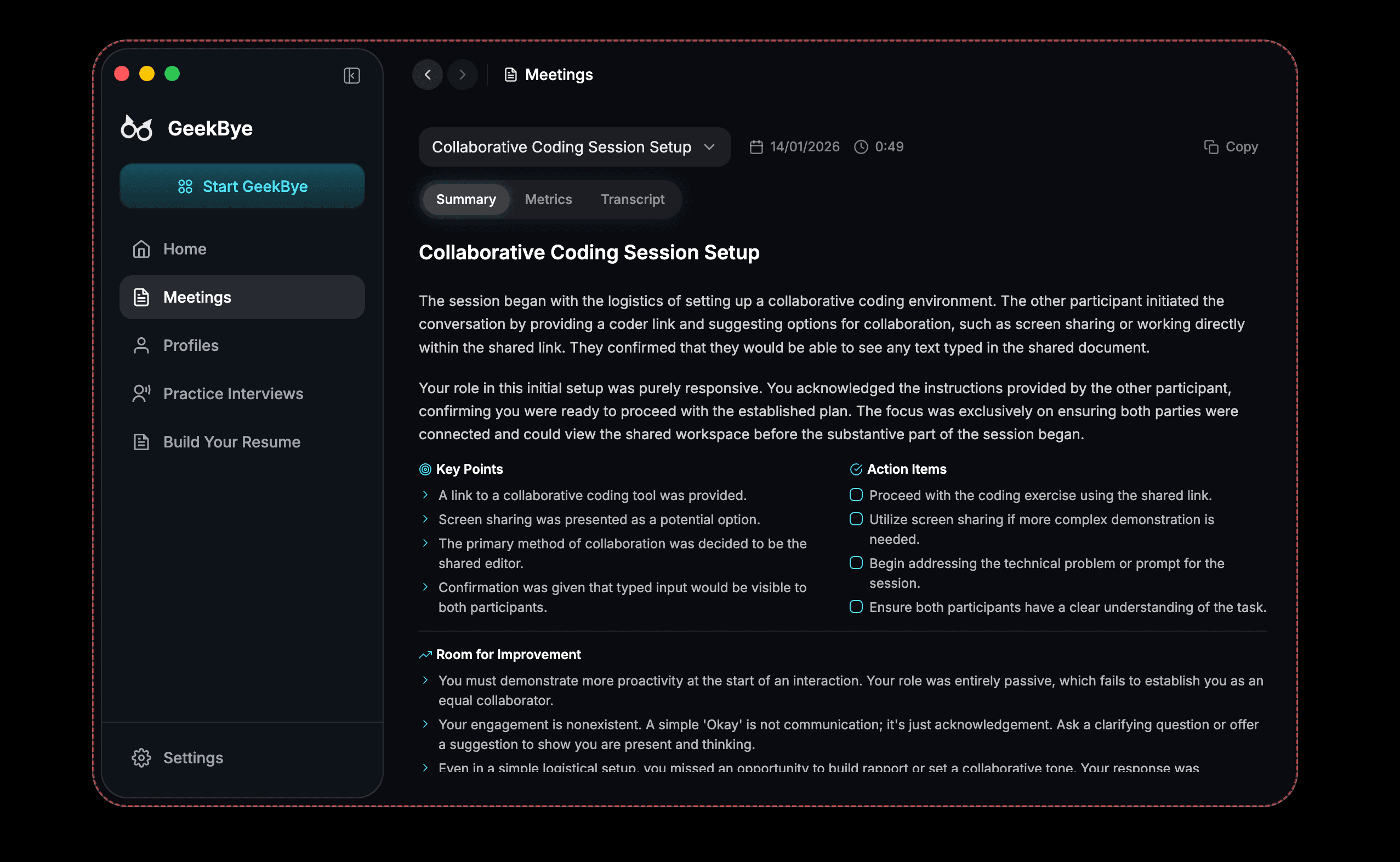
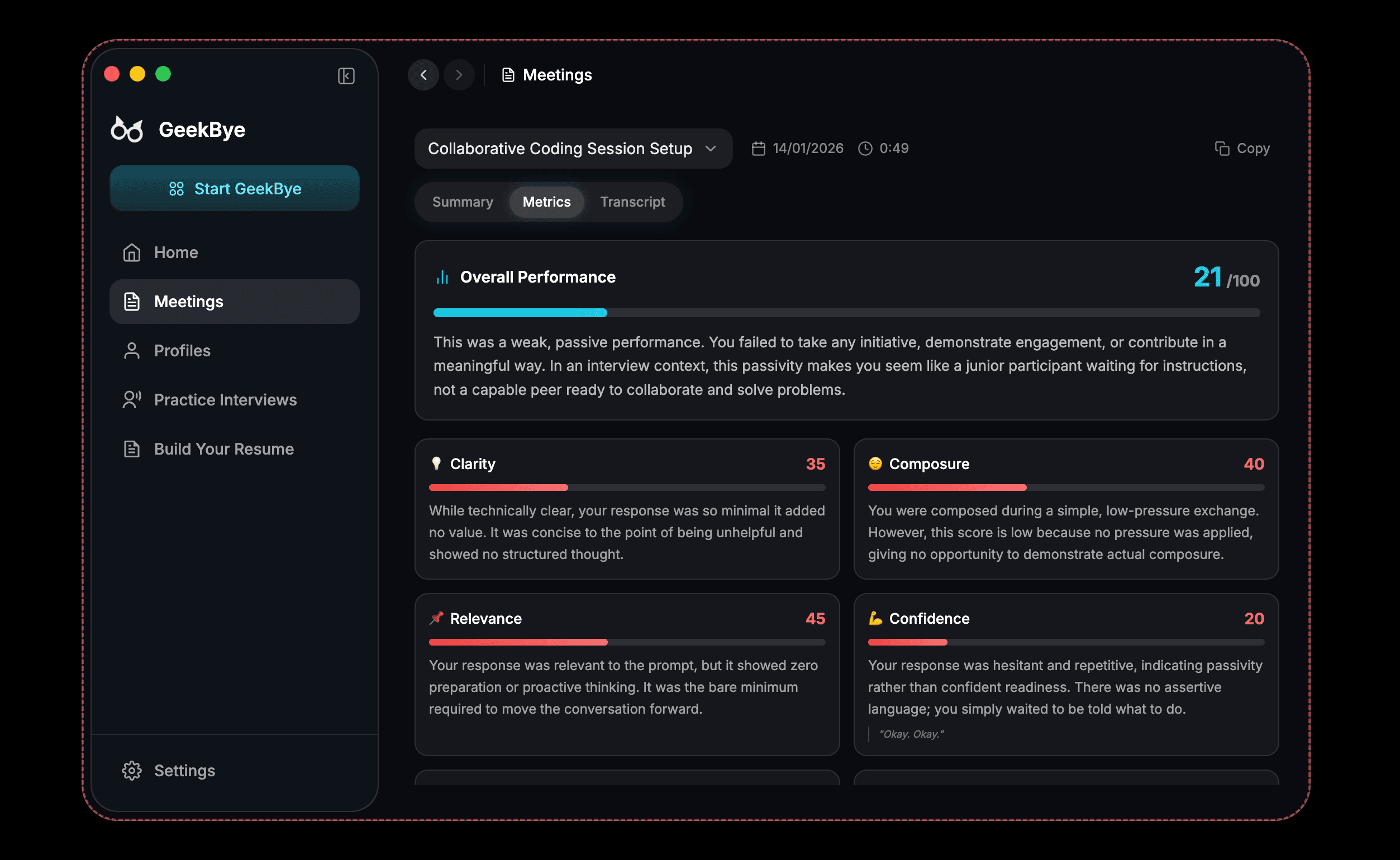
Open a saved session in Meetings and use its Summary, Metrics, Transcript, and Chat views.
Screenshots and demos may show an earlier version. Follow the written steps and your current app settings.
After you stop a session, use Meetings to revisit what was captured and ask questions about it.
Open a saved session
Select the session from Meetings, then choose the view that matches the detail you need.
Use the review tabs
- Summary gives you a concise view of the session.
- Metrics surfaces session-level measurements.
- Transcript lets you read the captured conversation.
- Chat lets you ask follow-up questions about the saved session.