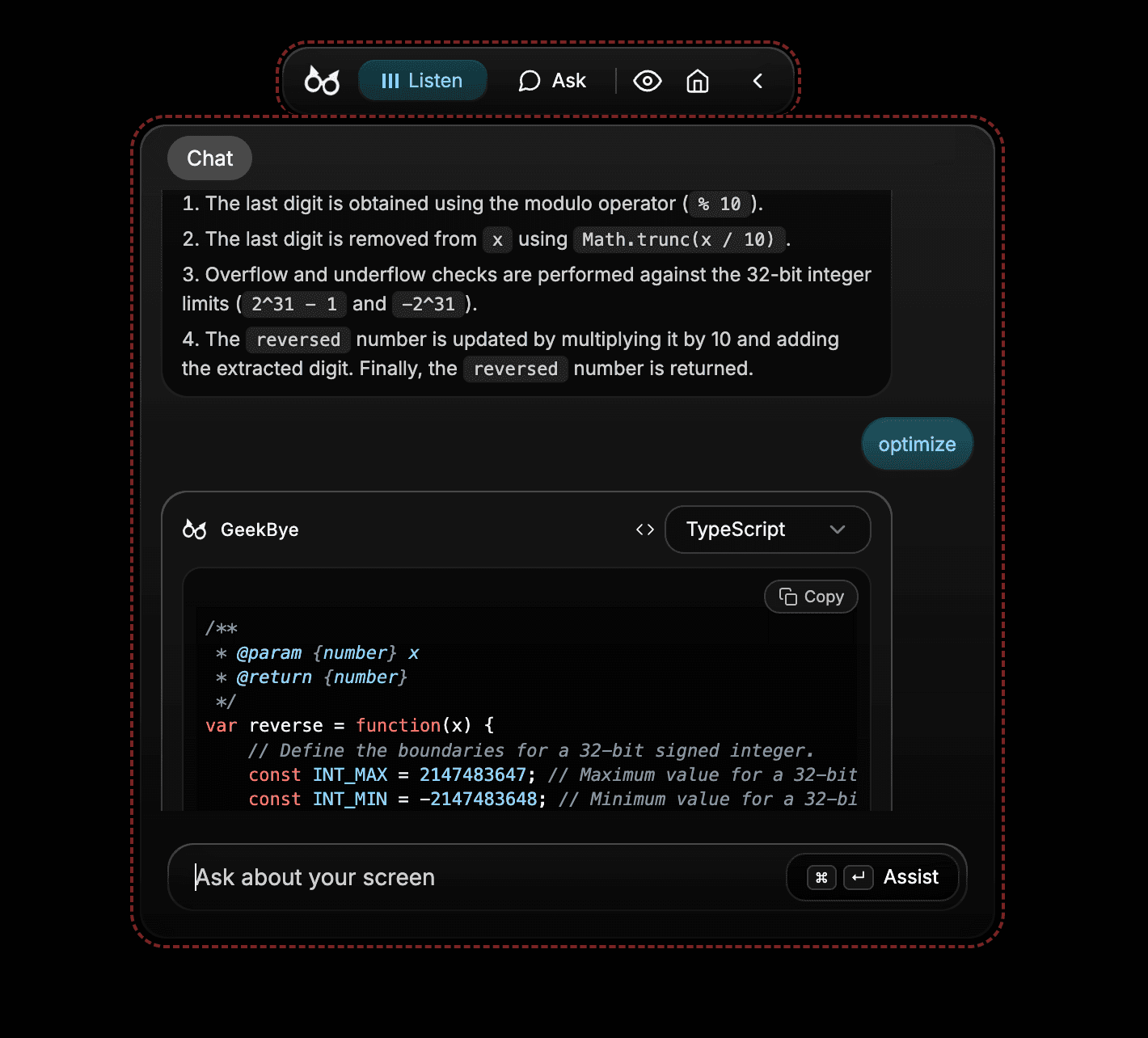
Use Ask
Capture relevant screen context, open Ask, and continue with focused follow-up questions.
Screenshots and demos may show an earlier version. Follow the written steps and your current app settings.
Ask helps you work from the screen context you intentionally capture and the questions you add.
Capture useful context
Open the question, document, or screen you want to discuss.
Use the screenshot shortcut to capture that context.
Open Ask and write a clear question about what you captured.
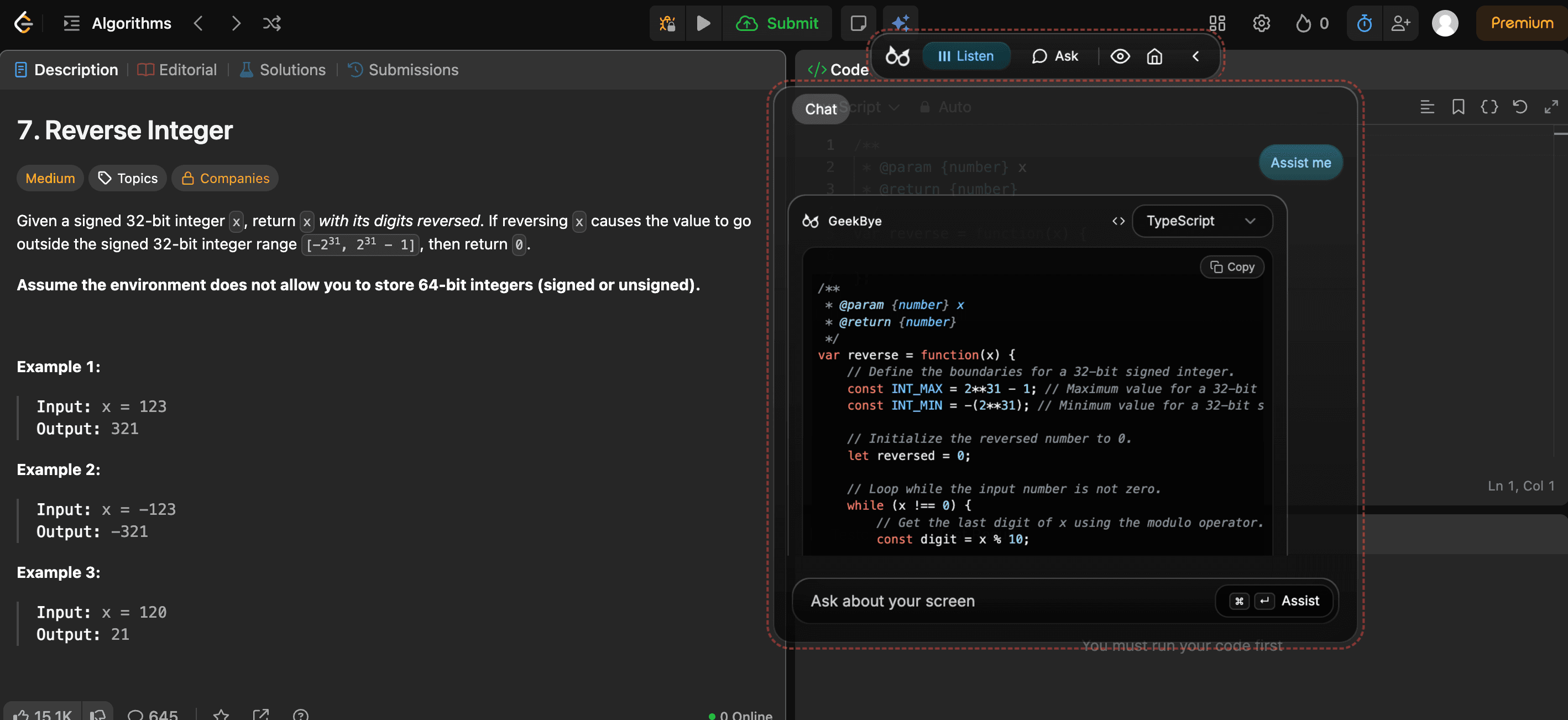
Ask follow-up questions
Use the chat to narrow an answer, request an explanation, or compare alternatives. Add the detail the answer needs rather than assuming it can see context you did not capture.