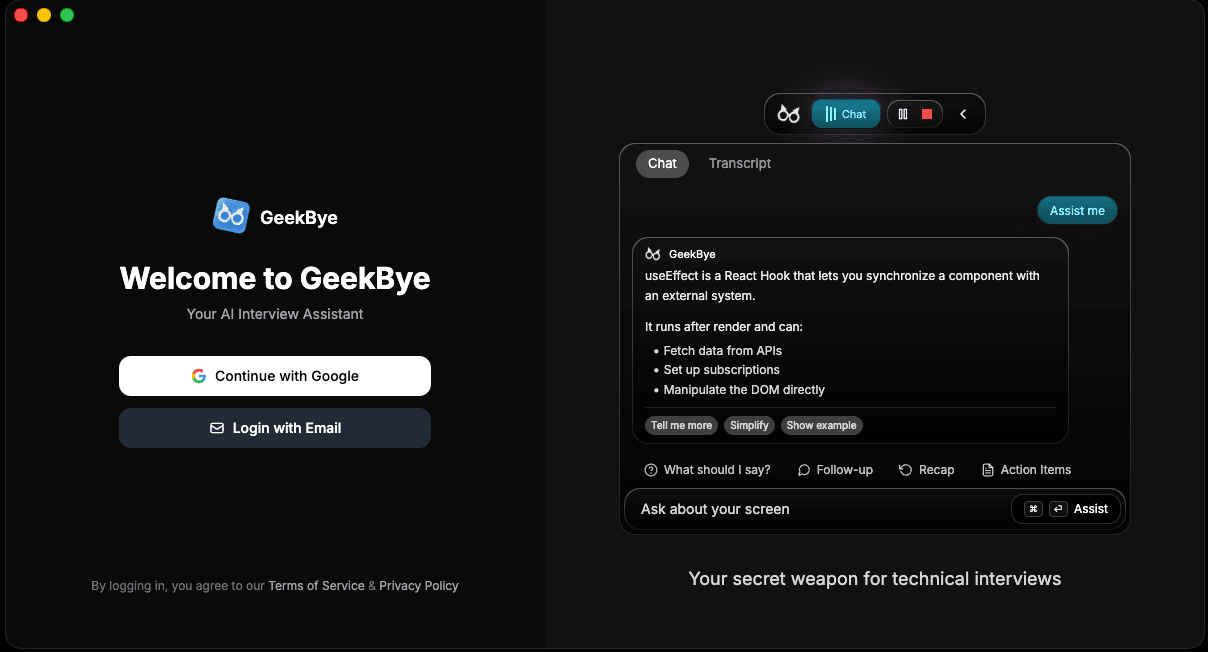
Install GeekBye
Download GeekBye for macOS or Windows, install it in the right location, and complete browser-based sign-in.
Screenshots and demos may show an earlier version. Follow the written steps and your current app settings.
GeekBye is a desktop app for macOS and Windows. Start with the installer for your platform.
Check the requirements
- macOS 14 Sonoma or newer on an Apple Silicon Mac (M1 or newer). Intel Macs are not supported.
- Windows 10 or 11 on an x64 or ARM64 PC, with microphone access. The download button gives the x64 installer; a native ARM64 installer is on the GitHub releases page.
- A Google account or email address for sign-in.
Install GeekBye
Download the GeekBye build for your platform.
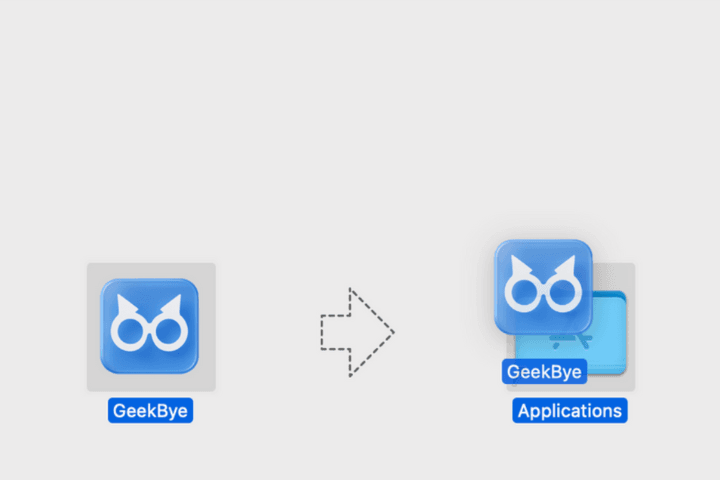
On macOS, move GeekBye to Applications before opening it.
On Windows, run the installer and follow its prompts.
Open GeekBye after installation completes.
Complete sign-in
Choose Google or email in GeekBye. The app opens your system browser to finish authentication, then returns through the geekbye:// callback.