Christian
Christian5 min read

GeekBye Monthly Doubles on August 31, 2026 — Here Is Exactly What Changes

GeekBye Pro monthly lists at $149.99 and you pay $74.99, because checkout takes 50% off automatically. On August 31, 2026 the list price becomes $299.99 and you pay $149.99. Here are the real numbers and the one thing to do before the 31st.

Pricing
Product
Announcements
GeekBye Monthly Doubles on August 31, 2026 — Here Is Exactly What Changes

We are doubling the price of GeekBye Pro monthly on August 31, 2026. This post is the whole change written down in advance, with the actual numbers, so nobody finds out from a receipt.

The numbers

Every paid plan is 50% off, and the discount is applied automatically at checkout. Here is the whole grid:

Plan List price What you pay
Pro monthly $149.99 / month $74.99 / month
Pro annual $1,200 / year $600 / year
Pro Lifetime $1,500 once $750 once
Starter Free Free

On August 31, 2026 the monthly plan doubles — and only the monthly plan:

Pro monthly Today From August 31, 2026
List price $149.99 / month $299.99 / month
What you pay $74.99 / month $149.99 / month

Annual and lifetime are not part of that increase; they stay at the figures above. Starter stays free, with the same limits it has now. If any of that changes, it gets its own post like this one.

There is nothing to type

The 50% is applied automatically at checkout, on all three paid plans, and it lasts for as long as your subscription lives — not the first month, not the first year. You do not need a discount code, a referral link, or a promotion to click. The checkout page shows $74.99 because $74.99 is what the card gets charged.

We show the list price struck through next to it because that is the honest way to write a permanent discount: you can see what the plan is priced at and what you are actually paying, side by side.

If you subscribe before August 31, you keep $74.99

This is the part worth acting on.

Subscribe before August 31, 2026 and you keep $74.99/month for as long as you stay subscribed. You do not need to do anything on the 31st. There is no migration, no email asking you to re-accept, no quiet bump on your next invoice.

After the 31st the same automatic 50% still applies, but it will be halving a bigger number: $299.99 becomes $149.99. The only way you land there is by subscribing after the change, or by cancelling and coming back later.

Why the price is going up

Two honest reasons.

The product does considerably more than it did when we set the monthly price. Real-time transcription across many languages, meeting summaries with action items, coding assistance, and undetectability during screen shares — that list grew a lot faster than the price did.

Every answer costs us money. GeekBye is not software you buy once and run on your own machine. Each session streams audio to speech-to-text models and each response runs through a language model, so our cost scales with how much you actually use it. Unlimited AI responses works at a lower price while the product is small, and stops working as people use it more heavily. We would rather raise the price and keep "unlimited" honest than keep the price and quietly start metering it.

We are not going to pretend the increase is small. It is exactly double. That is why we are announcing it more than three weeks out instead of springing it on people.

What to do now

If GeekBye is already part of how you work, locking $74.99 is the entire decision: subscribe, and the discount is already on the invoice. It takes about a minute.

Lock in $74.99/month →

If you are not sure yet, Starter is free and stays free — try it before the 31st and decide.

Questions

I am already on Pro monthly. Do I need to do anything? No. Your price does not change while your subscription stays active.

Do I need a discount code to get $74.99? No — it is automatic. The 50% is already applied when you reach the payment page, so $74.99 is the amount you will be asked to confirm.

I have seen the code GEEKBYE50 mentioned. Should I use it? It is the same discount. You may still see it referenced in older posts or screenshots, but there is nothing to do with it — checkout applies it for you.

Does the discount expire? No. It has no end date, and it keeps applying to every renewal for as long as you stay subscribed.

Does the August 31 increase affect the annual plan or Lifetime? No. It doubles the monthly plan only. Annual stays at $1,200/year ($600 to you) and Lifetime stays at $1,500 ($750 to you).

Does the 50% apply to annual and Lifetime too? Yes. It is applied automatically on all three paid plans, including the one-time Lifetime payment.

I am on the annual plan. When would a monthly price ever apply to me? Only if you switch to monthly, or cancel and subscribe again on a monthly plan after August 31, 2026.

If I buy Lifetime at $750, is it really final? Yes. Lifetime is a single payment for continued access to Pro features.

Will prices go up again? Not on a schedule we have planned. When it happens, you will read it here first, with the numbers and a date, the same way as this one.

Related Articles

Calm Software: Killing a Flickering Toggle and Teaching Chat to Say What Mode It's In
Steven
Steven6 min read

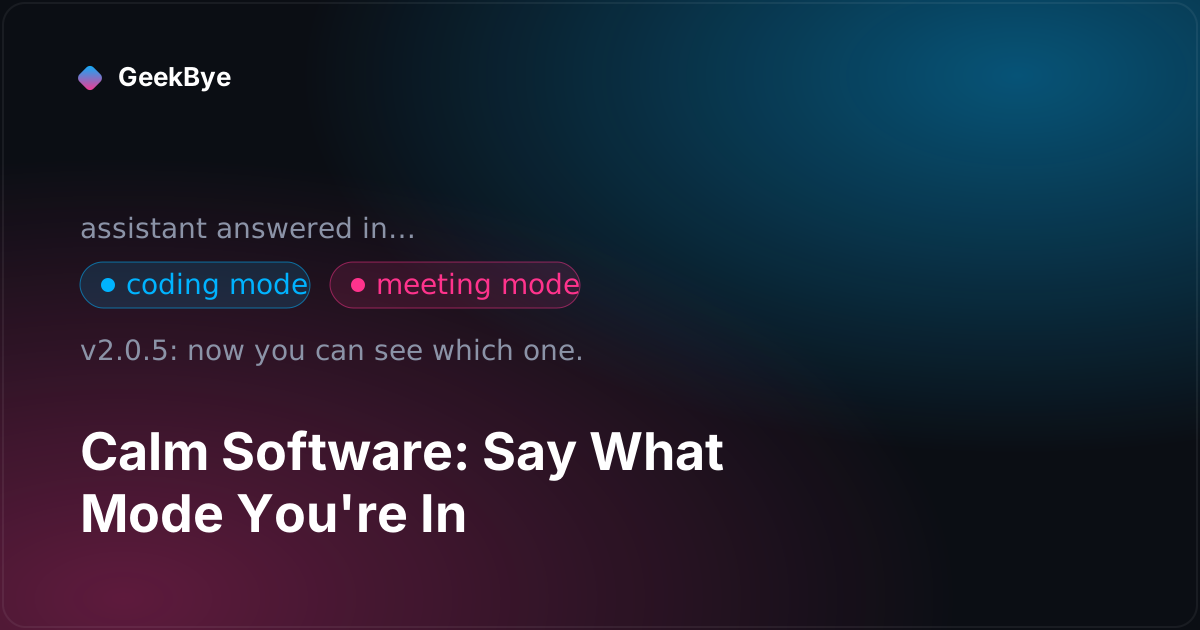
Calm Software: Killing a Flickering Toggle and Teaching Chat to Say What Mode It's In

Two small GeekBye releases, no headline features — just a settings toggle that stopped flickering and a chat assistant that finally tells you whether it answered in meeting mode or coding mode. This is what "calm software" actually costs, one detail at a time.

Product
Design
Engineering
The Silence Was Load-Bearing
Steven
Steven7 min read

The Silence Was Load-Bearing

The last two releases of GeekBye v1 are about the same uncomfortable truth: realtime transcription over a real network is not lossless, and the honest move is to stop pretending it is. v1.8.20 kept a copy of every audio chunk on disk before dropping it during a reconnect, and started marking the gaps in the transcript out loud. v1.9.0 stopped sending silence to save bandwidth — and discovered the silence was the exact signal the transcriber used to know a sentence had ended. Two releases about the cost of throwing things away.

Engineering
Audio
Reliability
The Three Verbs That Keep Web Audio Alive
Steven
Steven9 min read

The Three Verbs That Keep Web Audio Alive

Two GeekBye point releases, two months apart and in two different files, taught our audio code the same lesson from opposite ends: stop treating the browser's AudioContext as disposable. One release learned to resume() a context macOS had silently suspended mid-recording; the other learned to suspend() instead of close() so back-to-back sessions stop slamming into Chromium's roughly-six-context ceiling. Resume, suspend, close — that's the whole plot.

Engineering
Audio
Desktop